Windows XP Windows 7 Windows 2003 Windows Vista Windows 綜合教學 Linux 系統教學
Windows 10 Windows 8 Windows 2008 Windows NT Windows Server 電腦軟體教學

Win10 9879 Steam 遊戲崩潰相容性修正與服務重啟大法

編輯:Win8 常見問題解答

Windows 10 Build 9879 執行 Steam 遊戲頻繁崩潰,微軟建議以 Windows 8 相容模式執行或等待顯卡驅動更新。玩家社群發現重啟 Steam Client Service 可緩解,提供批次檔自動化方案。

相容性設定法

  1. 右鍵遊戲執行檔/捷徑 → 「內容」→「相容性」頁籤。
  2. 勾選「以相容模式執行這個程式」,下拉選「Windows 8」。
  3. 勾選「以系統管理員身分執行此程式」,套用。

批次檔重啟服務法(同上篇)

net stop "Steam Client Service"
net start "Steam Client Service"
timeout 900
steamrestart.bat

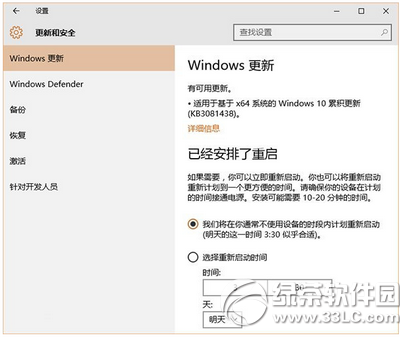
另存為 .bat,遊戲前以管理員權限執行。微軟已承諾推出修補程式,建議持續更新系統。
Copyright © Windows教程網 All Rights Reserved