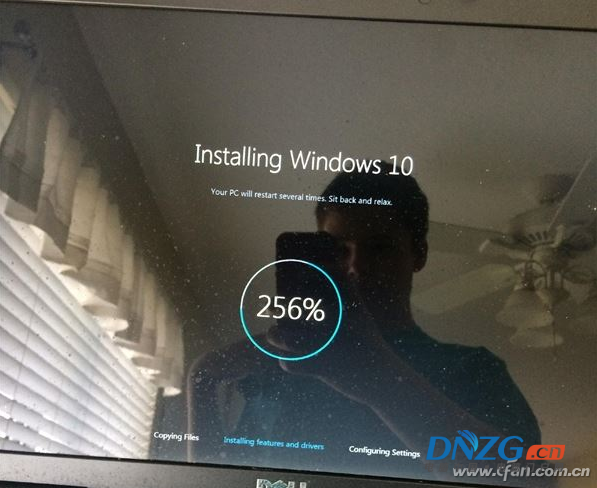
若無還原點或映像備份,可使用 Win8.1 安裝媒體(DVD/USB)進入修復環境,以 sfc /scannow /offbootdir /offwindir 掃描修復受損系統檔案。
notepad 開啟記事本 → 「檔案」→「開啟」檢視磁碟分區配置(系統保留分區 vs 合併單分區)。sfc /scannow /offbootdir=C:\ /offwindir=D:\Windowssfc /scannow /offbootdir=C:\ /offwindir=C:\Windows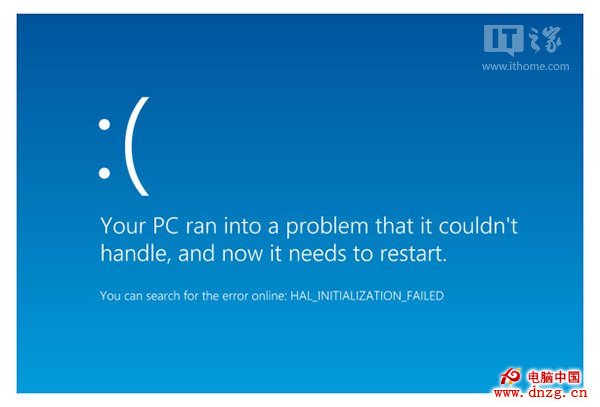
完成掃描修復後重開機,系統應能正常啟動。
Win8 開始畫面全解析:從傳統開始選單華麗蛻變的全螢幕應用程式啟動器
Windows 8 重裝與還原系統兩大神技:保留檔案的「重新整理」與歸零的「重設」圖文教學
Windows 10 企業版 KMS 激活完整指令教學(含驗證步驟)
僅供參考:Windows 8 相容國外防毒軟體列表(AV-Test 評測),國產主流產品已全面支援
Windows 8 透過應用程式商店線上升級 Windows 8.1 Preview 完整教學
Win 10 視窗動畫效果怎麼關閉?兩種方法關閉漸變特效提升流暢度
Windows 8 內建 Windows Defender 上手指南:啟用即時防護、掃描模式、病毒定義更新、自動停用機制