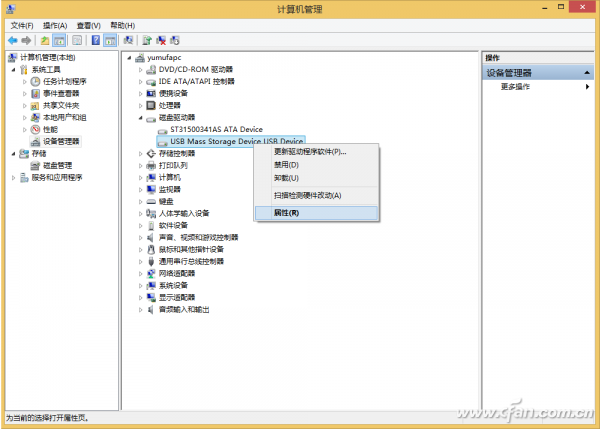
4 月 8 日推送的 Update 部分用戶遇到 0x80073712 錯誤。微軟已修正並透過 Windows Update 重新推送,未更新用戶可直接線上更新,或手動下載安裝包按序安裝。
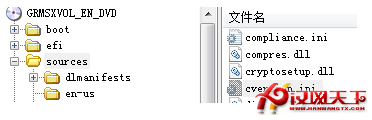
clearcompressionflag.exeKB2919355KB2932046KB2959977KB2937592KB2938439KB2934018先決條件:KB2919442 必須先安裝。企業用戶另需注意 WSUS 3.0 SP2 HTTPS/TLS 1.2 相容性問題,新版已修復。
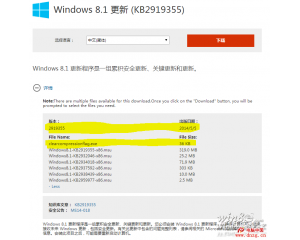
下載連結:微軟官網 32/64 位元更新包(KB2919355 等)。
Windows 8 輸入法個性化設定全攻略:安裝、切換、預設值與指示器調整
Windows 8 人人網 Metro 客戶端體驗:介面簡潔但功能單薄,登出方式隱藏於 Charms 列
安裝 Windows 8.1 後系統優化設定全攻略:桌面、磁碟、網路、IE、帳戶與應用市場
Win8 休眠檔案 HIBERFIL.SYS 佔用 C 槽空間大怎麼刪?CMD 指令一鍵關閉休眠釋放空間
Windows 8 激活完整指南:MAK 多次激活金鑰與 KMS 金鑰管理服務雙模式詳解
Win 10 IE 瀏覽器彈出視窗攔截怎麼設定?加入允許清單不再誤殺