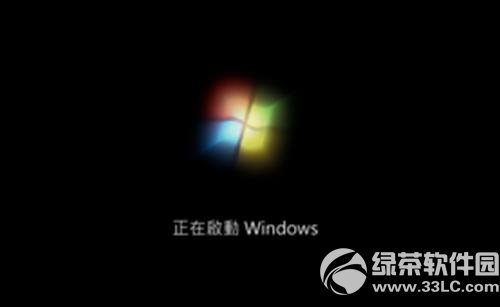
安裝 Win7/8.1 後卡在「正在啟動 Windows」畫面,主因是舊版 Windows 不完全支援 UEFI,需啟用 CSM(Compatibility Support Module)相容模式。
此設定讓主機板以 Legacy BIOS 相容模式啟動,解決舊版 Windows UEFI 相容性問題。
查看 Windows 8 應用程式佔用儲存空間大小與解除安裝教學
Windows Blue (Build 9364) 安裝流程截圖:與 Win8 幾乎一致,ISO 完整洩漏
Windows 8 設定 VPN 虛擬連線 圖文詳細教學
Win10 如何觀看蘋果 3/21 春季新品發布會直播?Edge 瀏覽器支援官方串流
解決 Windows 8 資源管理器瀏覽大量圖片時假死無回應
Windows 8.1 Update 升級失敗修復:兩行 DISM 指令解決 80070020/80073712 錯誤
Windows Embedded 8 Industry 預覽版開放下載:嵌入式系統佈局零售與手持裝置
Win7/Win8 網路配置導致無法上網?一鍵重置網卡解決斷網難題