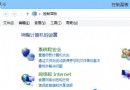
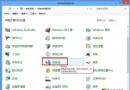
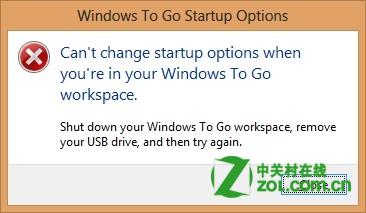
系統修復後誤判為 Windows To Go 環境,導致無法使用商店、地圖、郵件等 Microsoft 帳戶關聯應用,控制台調整設定提示「關閉目前工作區」無解。根因:登錄表誤標記為可攜式作業系統。
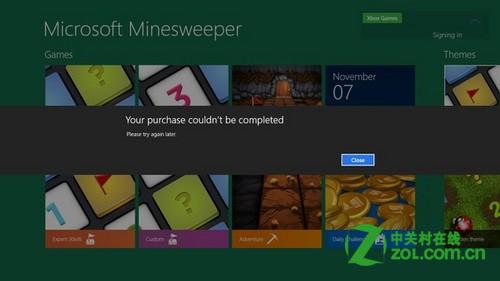
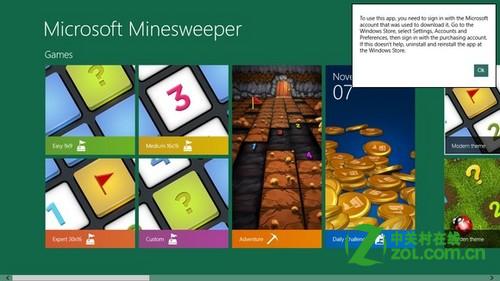
regedit 開啟登錄表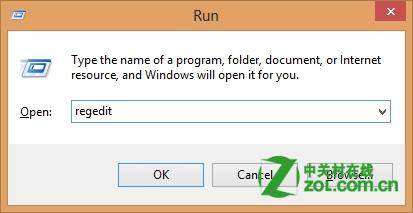
HKEY_LOCAL_MACHINE\SYSTEM\CurrentControlSet\Control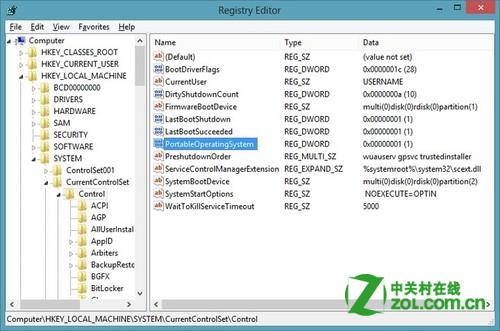
PortableOperatingSystem,值為 1 → 刪除此值或改為 0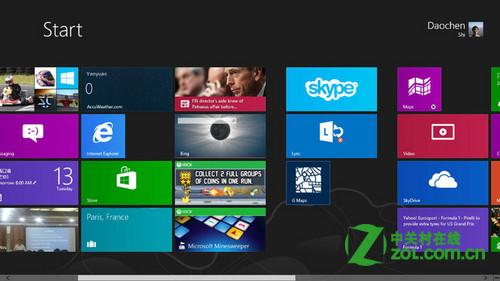
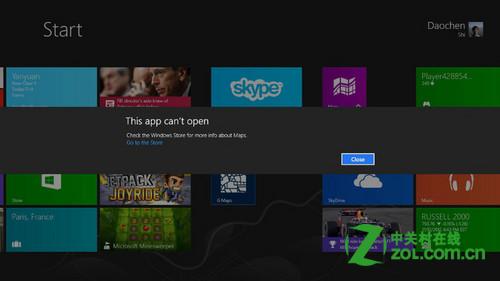
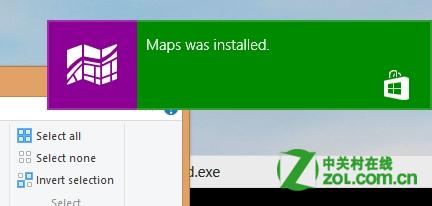
參考方案來源:Technet 論壇 Rahul Ramadas 提供。核心在於移除 PortableOperatingSystem=1 誤標記。
Windows 8.1 CPU 使用率異常偏高?移除 GWX Config Manager (KB3035583) 解決
Win8 螢幕縮放無法用註冊表調整?改用 AMD Catalyst Control Center 設定
Windows 8 手動綁定 ARP 防止 ARP 欺騙攻擊
Win8 內建「Windows 7 檔案恢復」製作系統映像備份完整教學
Windows 8 磁碟清理與最佳化完整操作:碎片整理、釋放空間、排程自動維護
Win8 無線網路受限/無法上網?三條 netsh 指令優化 TCP/IP 相容性