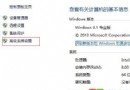
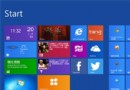
故障現象:執行 Win8/RT 系統,應用商店首頁看不到免費的 Win8.1/RT 8.1 更新。
原因分析與解決方案
- 授權模式不支援:大量授權、Win8 企業版、KMS 啟用的專業版、MSDN ISO 配合大量授權金鑰啟用的版本,均無法透過商店更新。需使用安裝映像檔升級。
- 缺少必要更新 KB2871389:確認已安裝 KB2871389。若有其他更新排隊中,需先完成安裝。Win8.1 升級依賴 Windows Update 服務,其他更新未完成會阻擋 8.1 更新顯示。
- 應用商店快取異常:按 Win + R 輸入
WSreset.exe 執行,清除商店快取後重新檢查。
逐項排查即可找回更新入口。