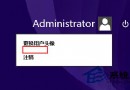
Windows 8.1 預設啟用應用自動更新,若偏好手動控制更新時機,可透過應用商店設定輕鬆關閉。
操作步驟
- 開始畫面點擊「應用商店」磚塊開啟
- 呼叫 Charms 列 (滑鼠移至右上/右下角或觸控右邊框向左滑) → 「設定」 → 「應用程式更新」
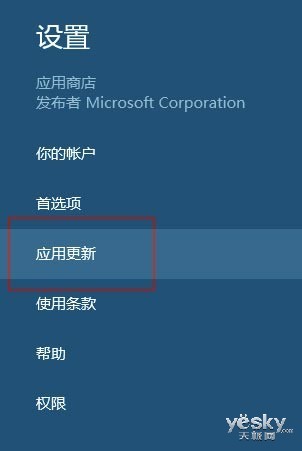
圖示:在應用商店選擇「設定-應用程式更新」
- 將「自動更新我的應用程式」設為「否」
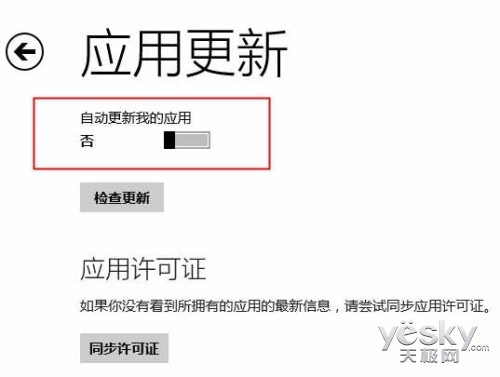
圖示:關閉應用自動更新
設定後行為
- 應用不再自動背景更新
- 有可用更新時,應用商店磚塊右下角顯示數字提示更新數量
- 需更新時手動進入商店選擇更新
- 如需恢復自動更新,同路徑設為「是」即可