Windows XP Windows 7 Windows 2003 Windows Vista Windows 綜合教學 Linux 系統教學
Windows 10 Windows 8 Windows 2008 Windows NT Windows Server 電腦軟體教學

Win8 平板無法連線應用商店?四步驟命令修復網路設定

編輯:Win8 系統應用技巧

現象:網路正常但應用商店打不開,常見於 Win8/RT 平板

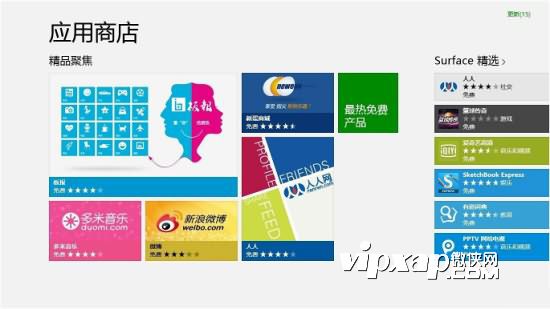
應用商店無法連線

四步驟修復流程

步驟一:開啟命令提示字元 (系統管理員)

Win+R → 輸入 cmd → Ctrl+Shift+Enter (或右鍵選「以系統管理員身分執行」)。

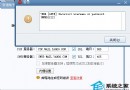
步驟二:依序執行三條網路修復指令

netsh
winhttp
import proxy source=ie

說明:
netsh 進入網路殼層重設網路組態
winhttp 修復 WinHTTP 服務與介面程式
import proxy source=ie 從 IE 匯入 Proxy 設定修復 WinHTTP Proxy

步驟三:重新開機測試

重開機後嘗試開啟應用商店,多數情況即可解決。

步驟四 (若仍失效):關閉家用群組共用

控制台 → 網路和網際網路 → 家用群組 → 關閉「家用群組共用」。此舉可解決部分網路隔離導致的商店連線失敗。

指令原理與適用範圍

  • 三條指令組合修復網路組態層、WinHTTP 服務層、Proxy 設定層三大常見故障點。
  • 適用 Win8 所有版本 (含 RT、Pro、Enterprise)。

結語

應用商店連不上多為網路組態/Proxy 異常,四步驟命令修復法針對性強、成功率高,免去重灌系統之苦。

Copyright © Windows教程網 All Rights Reserved