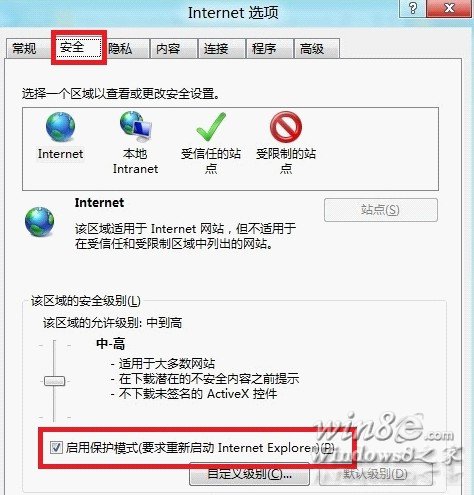
建議:完成特定作業後請恢復原本設定,以確保瀏覽器安全性。
Windows 8 設定診斷啟動(僅載入基本裝置與服務)
Win8 應用商店提示「無法完成您的購買」兩大解決方案:啟用服務/清除快取
Win8 開啟 RAR 檔案教學(安裝解壓縮軟體關聯)
Win8 提示「應用程式無法啟動,因為平行配置不正確」解決方案
Windows 8 鎖定畫面個人化完整設定:背景圖片、鎖定畫面應用程式狀態顯示
Windows 8 桌面背景自動輪播設定:個人化設定多張圖片切換間隔
Windows 8 磁碟清理與碎片整理(優化)完整操作指南
Win8.1 網速慢解決方案 (重複 80509 內容)