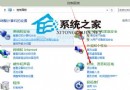
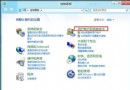
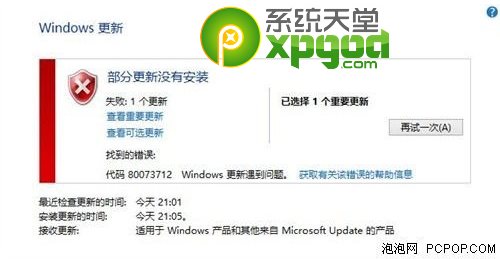
Windows Update 失敗常因網路暫時錯誤或服務未啟動,提供三種修復法:
Win+R → services.msc → 確認下列服務為「執行中」且「自動」:
Background Intelligent Transfer Service (BITS)、Cryptographic Services、Software Protection、Windows Update。
網路介面卡 IPv4 設定:慣用 4.2.2.1、備用 4.2.2.2(Level3 公共 DNS)。
net stop wuauserv
重命名 C:\Windows\SoftwareDistribution 為 SoftwareDistribution.old
net start wuauserv
任選一法嘗試,通常可恢復更新功能。