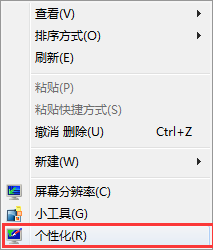
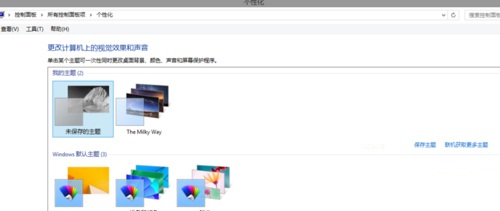
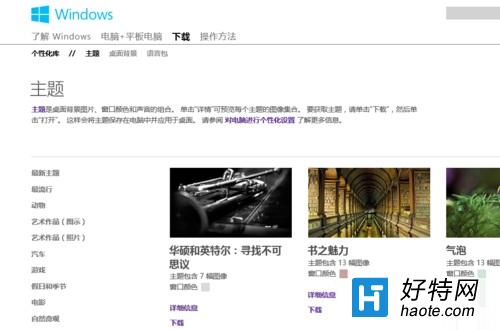
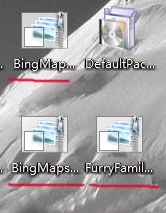
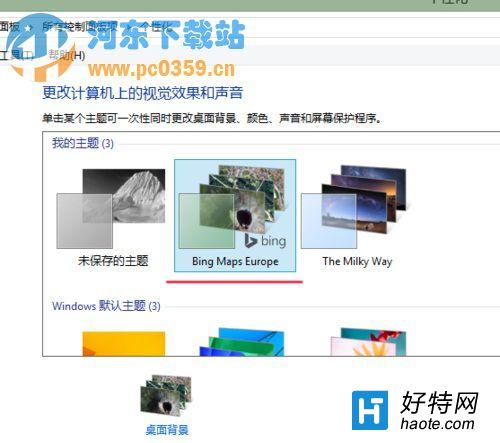
內建主題不夠可自行網路搜尋壁紙手動設定,同樣簡單。
VirtualBox 安裝 Windows 8 虛擬機器圖文教學:建立 VM、掛載 ISO、安裝步驟
Win8 局域網無法存取共用資料夾?「進階共用設定」關閉密碼保護、啟用公用資料夾共用雙管齊下
Win8.1 移除 SkyDrive (OneDrive) 整合:登錄表修改法
Win8.1 無線網路「受限」怎麼解決?五大排查步驟恢復上網
Win8 關閉「連線尋找解決方案」提示:登錄修改 CompMgmtLauncher.exe → mmc compmgmt.msc
系統巧妙設定讓 Windows 8 開機更快:msconfig 與啟動項管理
Win8 修改使用者名稱與使用者資料夾名稱方法:關聯 Microsoft 帳號、啟用 Administrator 修改註冊表