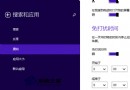
Win8 文字過小可透過「顯示」設定調整縮放比例:
調整後圖示、文字、視窗標題列均會依比例放大。
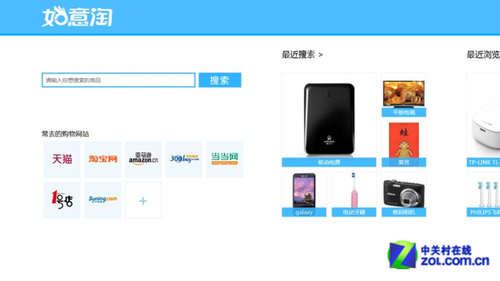
Windows 8 版 UC 瀏覽器評測:Metro 模式免外掛播放優酷/PPTV/CNTV 影片、彈窗智能攔截、瀏覽紀錄一鍵清除
Win8 應用商店下載安裝 QQ 完整教學
Win8/Win8.1 開機黑屏完美解決方案:分頁檔重設法
Win 8.1 設定 SkyDrive 檔案離線可用避免無網路無法存取
Windows 8 開始畫面新增/移除應用程式捷徑 (釘選/取消釘選) 完整教學
Win8 無法安裝 Office 2010?裝上 KB2680376 更新即可解決
Win8 內建磁碟管理輕鬆分區:免裝第三方工具,壓縮/建立/格式化全圖解
升級 Win 8.1 後 iPhone 無法連線 iTunes 的驅動程式修復法