Windows 8 應用商店提供 Metro 版 QQ,安裝步驟如下:
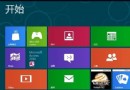
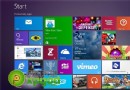
- 開始畫面點選「商店」磚進入應用商店。
- 選擇「社交」分類 → 「與朋友保持聯繫」。
- 在列表中找到「QQ」圖示,點選進入詳細頁面。
- 點選左側「安裝」按鈕。
- 系統提示登入 Microsoft 帳戶(無帳戶可線上註冊),登入後自動開始下載安裝。
- 安裝完成返回開始畫面,會出現「Tencent QQ」磚,點選即可啟動登入介面。
- 輸入 QQ 號碼與密碼登入,即可使用好友列表、聊天視窗等功能。
Metro 版 QQ 介面簡潔、支援動態磚訊息通知、分享合約,適合觸控操作,但功能較桌面版精簡。