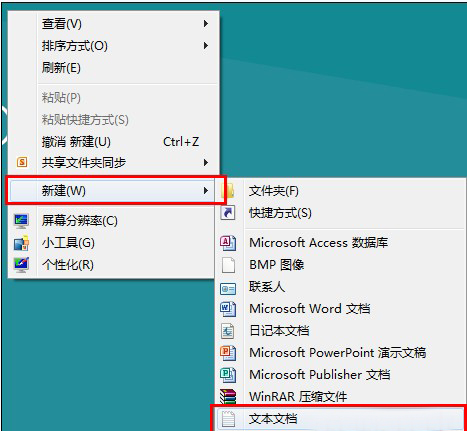
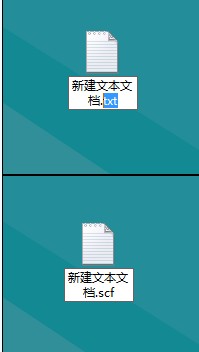
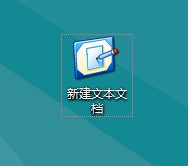
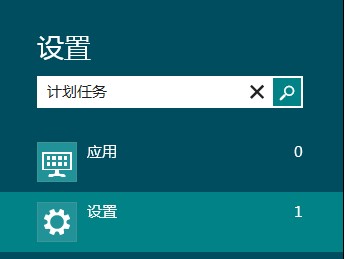
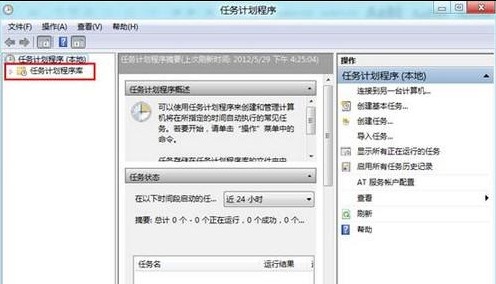
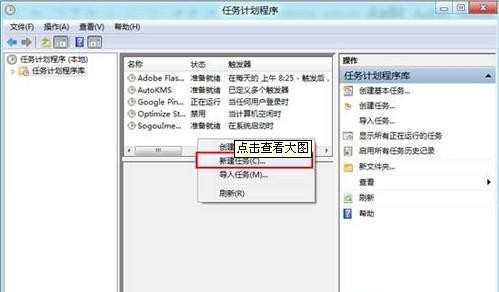
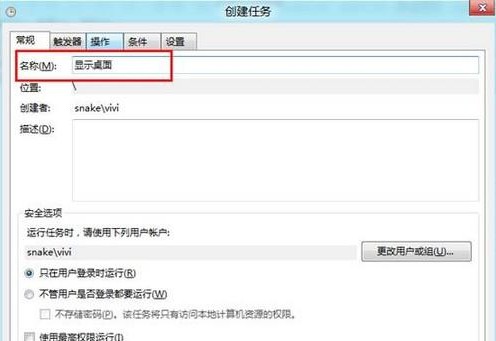
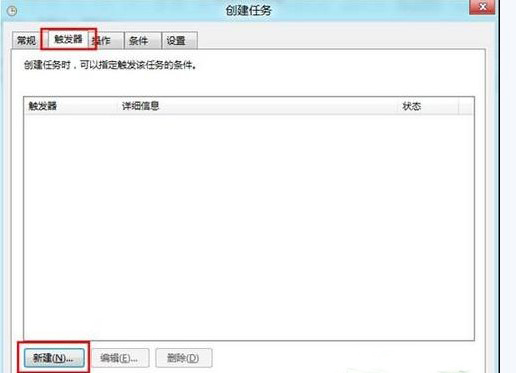
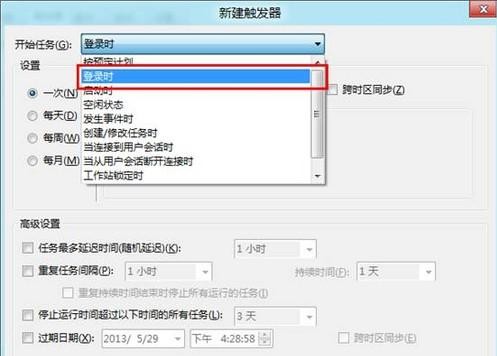
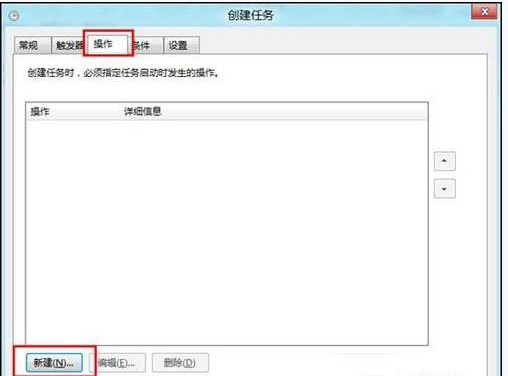
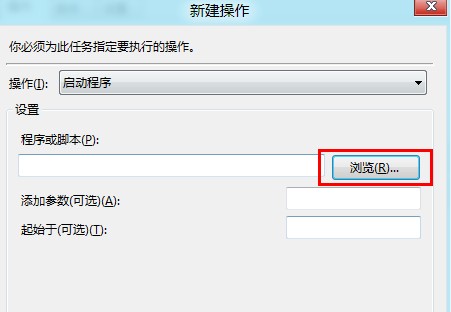
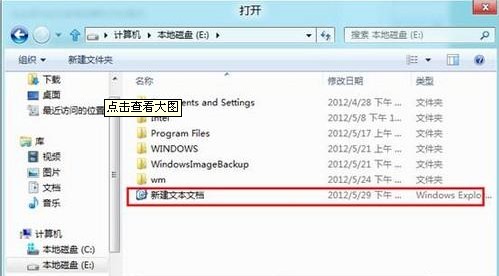
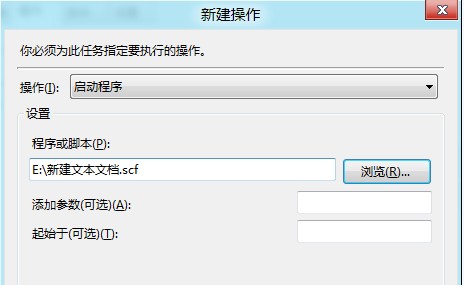
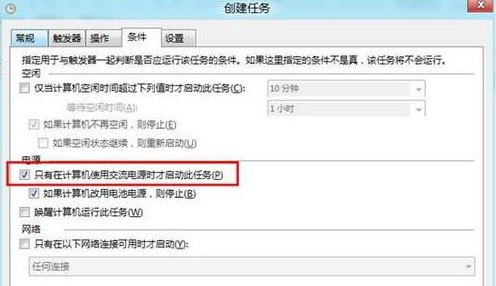
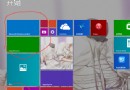
Windows 8 預設開機進入 Metro 開始畫面。透過建立特殊 .scf 腳本並設定工作排程器「登入時」觸發,可實現開機直接顯示桌面。
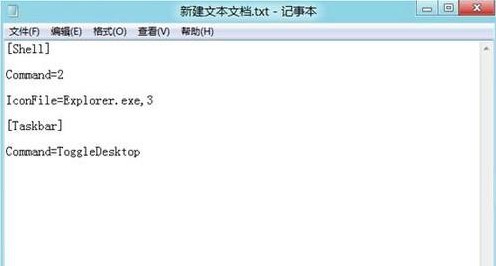
ShowDesktop.scf
[Shell]
Command=2
IconFile=Explorer.exe,3
[Taskbar]
Command=ToggleDesktop
Win8.1 Update RTM 升级后想回退?卸载 KB2919355 与 KB2919442 两补丁(注意后者不可卸载)
Windows 8 重大變革:Metro 介面、ARM 支援、新啟動畫面與跨裝置體驗
Win8 安裝 360 後右鍵選單太雜?教你移除多餘項目乾淨清爽
Win8.1 更新後黑屏/藍屏完整修復:安全模式卸載顯卡驅動、DDU 深度清理、升級前預防
Windows 8 連接外接螢幕/投影機:雙螢幕顯示模式完整設定
Windows 8 系統維護三大實用技巧
Win8 設定連接無線 Wi-Fi 網路完整圖文教學
Win7 硬碟圖示無法正常顯示?清除圖示快取與移除 autorun.inf 修復