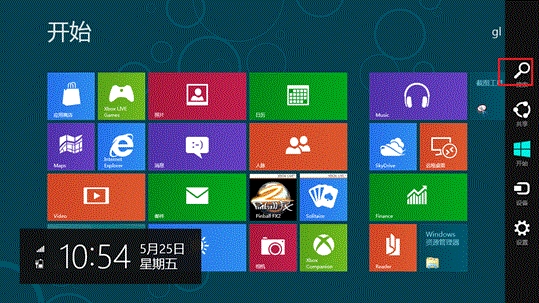
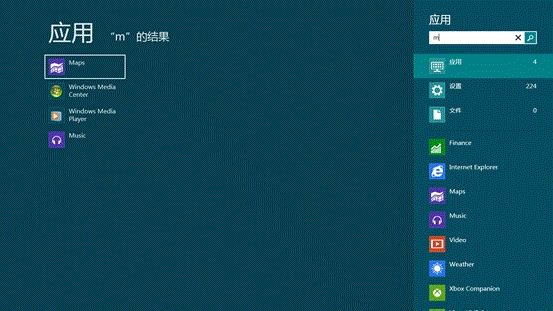
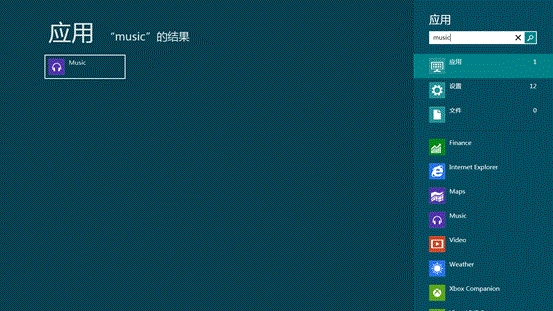
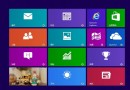
Windows 8 Metro 介面整合強大的即時搜尋,支援應用程式、設定、檔案三大類別與模糊搜尋。
補充:Windows 8 於 2012/10/25 發布,支援 x86/ARM 架構,導入 Metro 介面與觸控優化。
Win8 快速設定待機密碼:電腦設定→帳號→登入選項→建立密碼
Win 8.1 桌面右下角「Secure Boot 未正確配置」水印移除教學
Win8.1 沒聲音怎麼辦?三階段修復流程快速找回音效
Windows 8 內建中文輸入法啟用與設定完整教學
Windows 8 十大必知重點:觸控介面、發布時程、自有品牌平板、廠商陣容、規格、價格、ARM/x86 支援
Windows 8 修改圖片預設開啟方式:從現代相片應用程式切換至 Windows 相片檢視器
Win8 筆記本建立區域網路(虛擬 WiFi 熱點)指令教學
Win8「相片」應用程式不顯示新圖片?必須在應用程式執行時新增檔案才會索引