BitLocker 磁碟加密忘記密碼:唯有復原金鑰能解鎖,否則必須格式化
BitLocker 保護作業系統磁碟與固定資料磁碟,檔案僅在加密磁碟上保持加密,複製至其他裝置自動解密。
解鎖管道
- 復原金鑰: 啟用 BitLocker 時強制建立的 48 位數字金鑰,可列印、儲存至檔案、Microsoft 帳號、USB 隨身碟。
- 若無復原金鑰,目前技術在有限時間內無法破解,唯一出路是重新格式化磁碟分割(資料永久遺失)。
TPM 晶片自動解鎖流程
具 TPM 的電腦開機時,BitLocker 向 TPM 索取金鑰自動解鎖作業系統磁碟,無需輸入密碼。
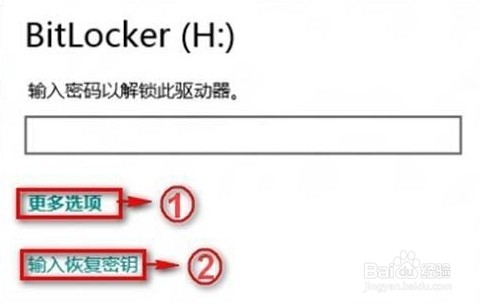
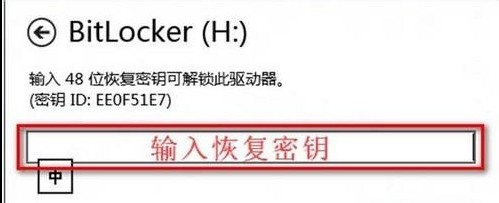
警示: 首次啟用 BitLocker 务必妥善備份復原金鑰,否則遺忘密碼將導致資料永久無法存取。