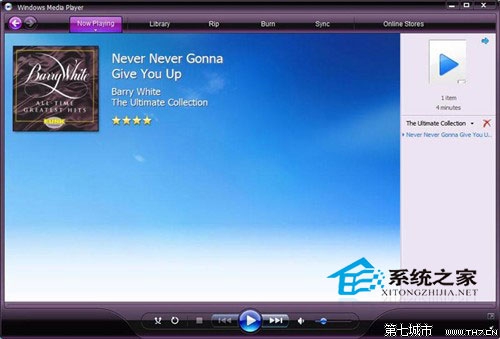
控制台 →「預設程式」→「設定預設程式」→ 選 Windows Media Player →「選擇此程式的預設值」→ 取消勾選所有副檔名 → 儲存。
開啟暴風影音 → 設定 →「檔案關聯」→ 全選所有格式 → 確定。暴風影音即取代 WMP 成為預設播放器。
方法二更直觀,適合習慣使用特定播放器的用戶。
Win8.1 如何為來賓帳號 設定密碼並降為標準使用者?圖形介面與命令列雙軌教學
Windows 8.1 自動登入設定教學:control userpasswords2 取消密碼輸入實現開機直進桌面
Windows 8.1 Build 9385 啟用 Bing 每日鎖定畫面壁紙功能
Win8 開啟 Internet 選項兩大入口:IE 介面與控制台雙通道
Win8.1 關機變重啟怎麼辦?同 80457 三招解決方案
Win8.1 綠化程式/免安裝軟體拒絕存取?以系統管理員身分執行解決權限問題