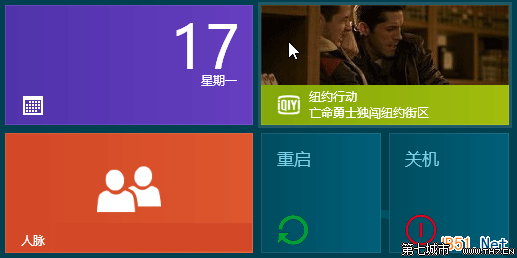
C:\Windows\System32\shutdown.exe -s -hybrid
C:\Windows\System32\shutdown.exe -r
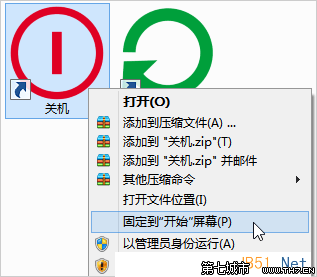
將捷徑直接拖曳至工作列即可,但易誤觸,建議僅固定於開始畫面。
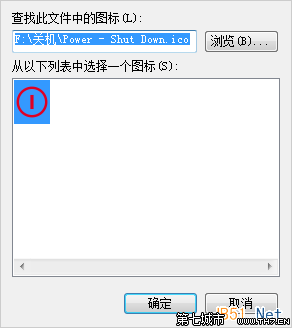
Win8 RP/RTM/Pro 均適用,RTM/Pro 版建議自行設計 Metro 風格圖示以完美融合磚磚介面。
Win 8 替代預設輸入法設定:控制台進階設定一鍵指定預設 IME
Win8 開始畫面直接輸入字元即搜尋:無需開啟 Charms,按鍵盤字元直達搜尋介面
Win 8 移除開機選單一鍵 Ghost 選項的 EasyBCD 操作法
Win8 如何停用開機啟動項?任務管理器「啟動」分頁一鍵禁用
IE 關閉多個分頁時取消「確認關閉」警告:Internet 選項中停用提示訊息
Windows 8 設定開機直接進入傳統桌面(跳過開始畫面)
Win8 開機黑屏伴隨滴滴聲?依據蜂鳴器代碼判斷記憶體/顯卡/主機板故障
Windows 8 裝置管理員停用裝置:右鍵選單一鍵禁用/啟用