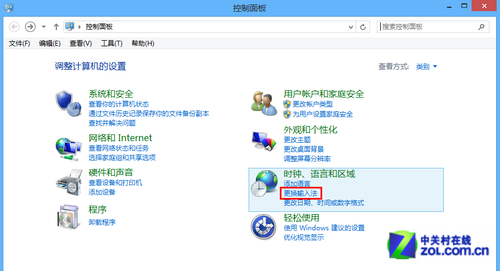
Windows 長期使用後資料夾檢視設定混亂,逐個重設極繁瑣。透過刪除登錄機碼 Bags 可一次重設所有資料夾檢視至預設狀態。
regedit 開啟登錄編輯器。Bags 機碼(若存在):HKEY_CURRENT_USER\Software\Classes\Local Settings\Software\Microsoft\Windows\ShellHKEY_CURRENT_USER\Software\Microsoft\Windows\ShellHKEY_CURRENT_USER\Software\Microsoft\Windows\ShellNoRoam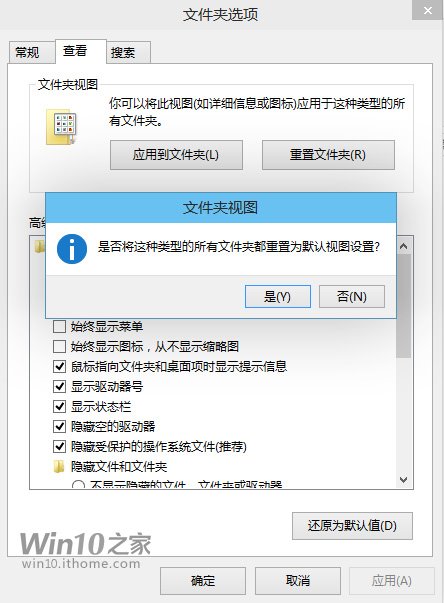
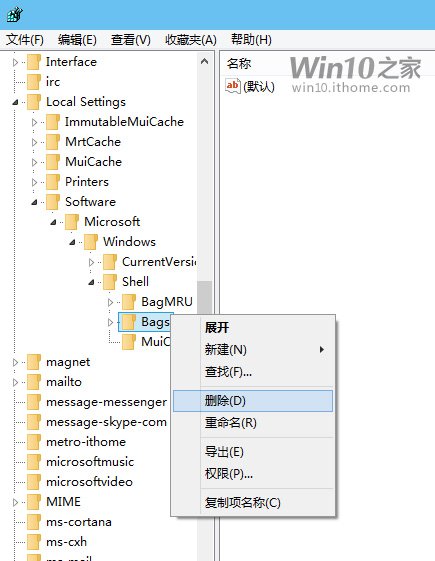
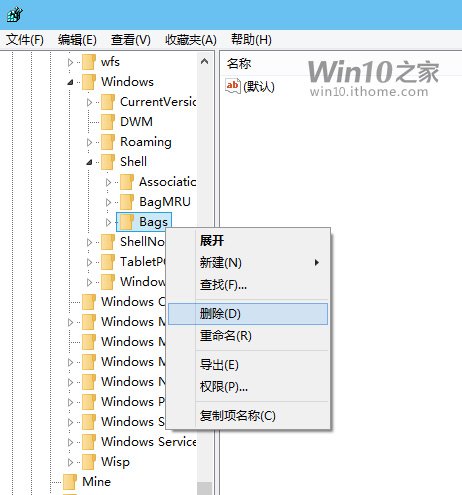
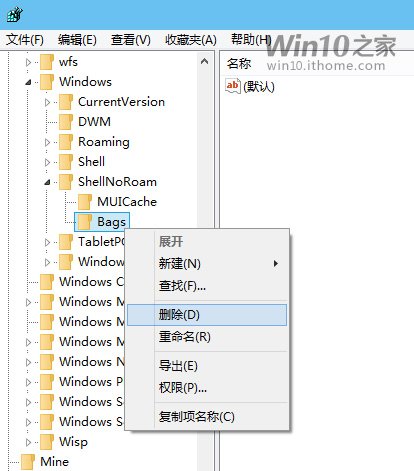
explorer.exe(工作管理員 → 找到「Windows 檔案總管」→ 右鍵「重新啟動」),或登出/重開機。完成後所有資料夾檢視恢復系統預設。若需恢復原狀,匯入先前備份的登錄檔即可。