Windows 8 從睡眠或休眠喚醒預設需要輸入密碼,雖安全但對獨立使用者不便。若電腦無機密資料,可關閉喚醒密碼保護,實現免密碼直接進入桌面。
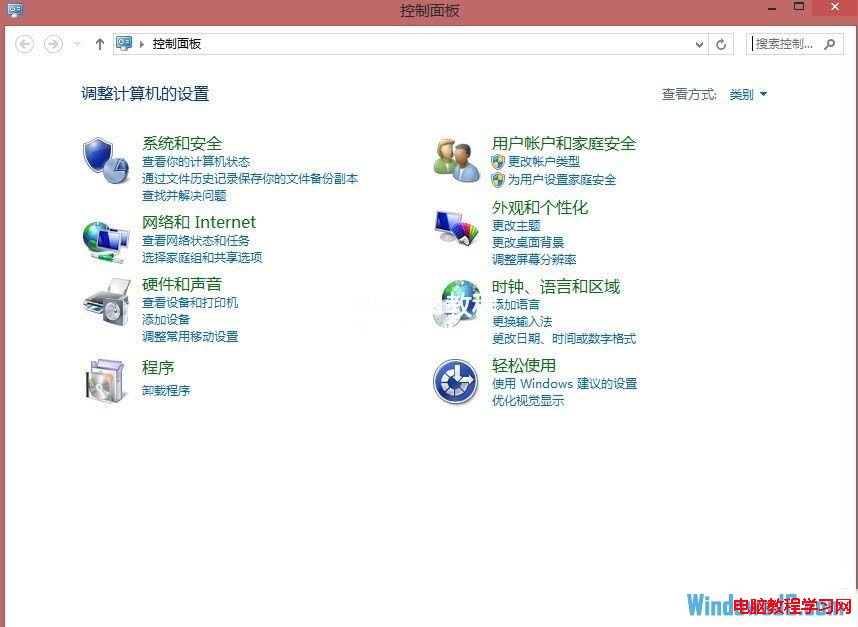
按 Win+X →「控制台」→「電源選項」→ 左側「喚醒時需要密碼」→「變更目前無法使用的設定」→「喚醒時的密碼保護」→ 選擇「不需要密碼」→「儲存變更」。
設定生效後,下次喚醒將直接進入桌面,無需輸入密碼。注意:筆電攜帶外出時建議保留密碼保護,防止資料外洩。
Windows 8 一鍵還原後初始設定 (OOBE) 完整流程圖解:語言、網路、快速/自訂設定、帳戶建立
Win8 顯示器驅動程式停止回應?四大排除方案修復顯卡穩定性
Win8 大小寫鎖定/數字鎖定提示長期顯示 關閉螢幕提示設定
輕鬆提升 Win8 執行速度:關閉家庭群組服務與調整索引選項圖文教學
Win8 開啟/關閉系統保護功能 建立還原點保障系統安全
Win8 安裝聲卡驅動後無聲音 登錄修復 Audiosrv 權限法
讓 Windows 8 操作體驗更接近 Windows 7:跳過 Metro 直進桌面、找回開始選單操作習慣
Win8.1 文件夾加密隱藏無需第三方軟件:批處理腳本實現私密空間