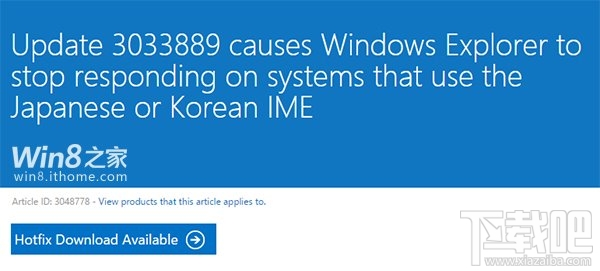
安裝 2015 年 3 月更新 (含 KB3033889) 後,點選「這台電腦」、切換工作列程式、使用 Excel 2013 等情境下,檔案總管掛起、滑鼠無法移動、Excel 冷啟動極慢並彈出「傳送命令錯誤」。
Update 3033889 causes Windows Explorer to stop responding on some systems that use the Japanese IME
Excel 2013 高延遲、命令錯誤問題此更新未修復,建議關注後續累積更新。
Windows 8 啟用/停用內建 Administrator 帳號完整教學:命令列與群組原則雙法
Win8 顯示器驅動程式停止回應?四大排除方案修復顯卡穩定性
Win8 關閉 Metro 開始畫面:登錄表修改法(可隨時還原)
Win8 內建備份還原完整圖文教學:建立系統映像與修復光碟
Windows 8 啟用桌面背景投影片播放:電源選項完整設定
Win8 無法安裝 .NET Framework 3.5?離線安裝法:掛載安裝媒體 → DISM 指令指定 sources\sxs 來源
Win8 刪除無權限檔案?用命令提示字元 DEL/RD 指令繞過權限限制
Win8 百度雲離線下載教學(BT 種子/磁力連結)