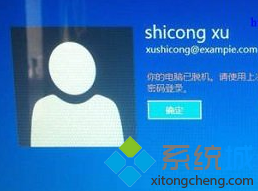
此錯誤多因網路不穩或帳戶同步狀態異常導致,重新建立帳戶連結通常可修復。
Windows 8 開始畫面建立一鍵關機磚塊教學
Win8 開啟 SmartScreen 篩選器保護上網安全
Win8 開機黑屏用 360 一鍵修復:還原系統預設狀態
Windows 8 右鍵「管理」提示無關聯程式解決:修復 .exe 檔案關聯
Windows 8/8.1 輸入法切換全攻略:鍵盤快捷鍵與滑鼠操作
Win8 升級 Win10 後開機藍屏?禁用獨立顯示卡驅動程式即可解決
Win8 解決「刪除檔案確認對話框」選項灰色無法修改:群組原則強制啟用/停用提示
GHOST Win8 磁碟空間與檔案大小不符?同樣是 System Volume Information 惹的禍