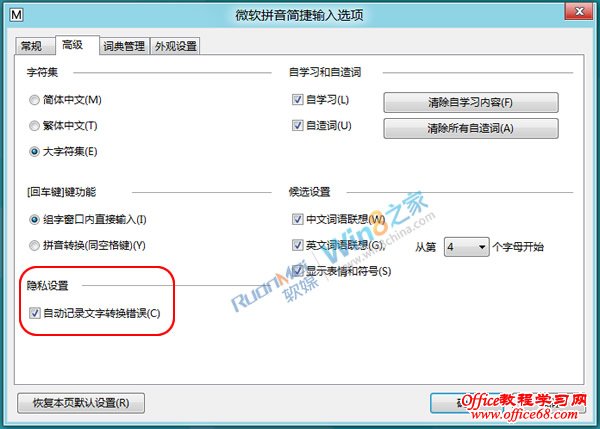
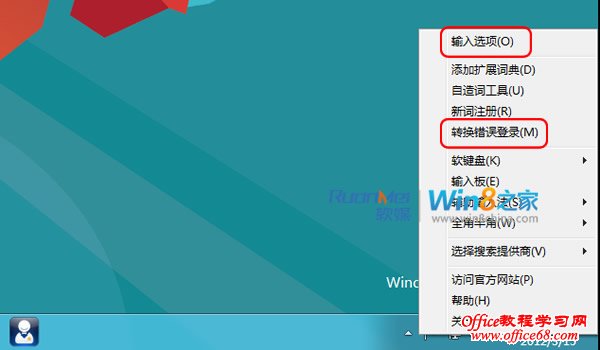
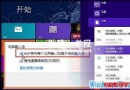
解決方法:在 Win8 桌面右鍵點選微軟輸入法圖示 →「設定」→ 進入輸入法選項介面即可關閉相關提示。
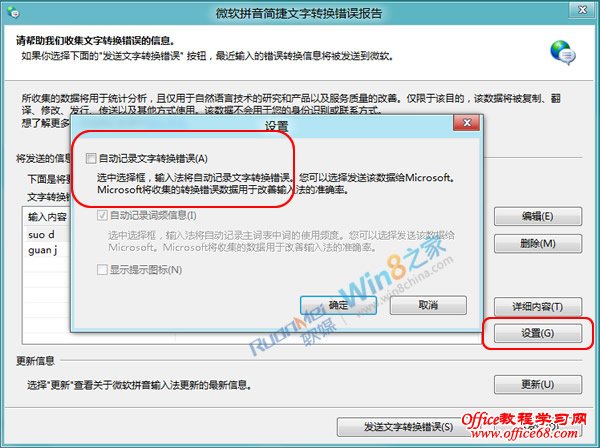
在微軟拼音/注音輸入法設定中,取消「自動記錄文字轉換錯誤」或類似隱私選項,即可停止彈出「文字轉換錯誤」通知。
Windows 8.1 安裝 KB3000850 更新失敗?卸載百度安全軟體後重試
Win8 相容模式安裝 Win7 驅動程式教學:屬性勾選與強制安裝參數
Win8.1 更新補丁錯誤 8024402f 解決法:檢查網路代理、關閉第三方安全軟體、修復系統檔案與註冊關鍵 DLL
Win8 桌面建立捷徑完整教學:輕鬆將 Office 應用程式固定到桌面
Win8 修改電腦名稱:系統內容→變更設定→重新開機生效
Windows 8 電源選單加入「休眠」選項:筆電省電必備功能啟用教學
Win10 IE 瀏覽器提示缺少 Flash?系統目錄修復與註冊 Flash.ocx 完整步驟
Win8.1 Update 錯誤 80073712 解決方案現況