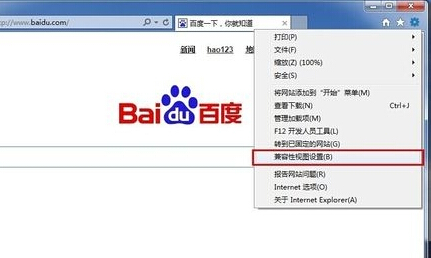
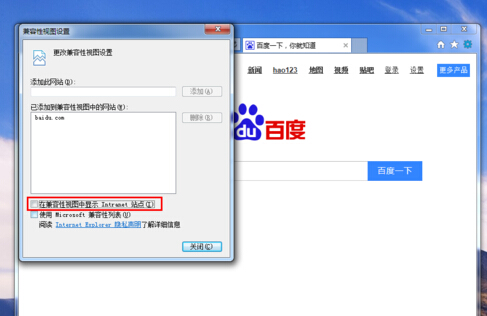
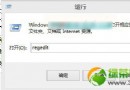
Windows 8 IE 瀏覽器啟用相容性檢視可能導致部分網頁顯示異常,關閉方法如下。
關閉後網頁將以標準模式渲染,解決顯示異常問題。
Windows 8 Metro 應用程式無法開啟?三大常見原因與解決方案
Win8.1 快速建立 VPN 連線:Charms 設定→網路→新增 VPN 連線→填入伺服器/帳號/密碼
Windows 8 開始畫面圖示排序調整教學
Windows 8 工作管理器雙模式深度解析:簡易檢視與詳細檢視的設計邏輯與操作差異
Windows 8 「史上最快」關機方法:建立 shutdown.exe 混合關機捷徑固定到開始畫面/工作列
Win8.1 變更系統顯示語言/新增語言包完整教學
Windows 8 設定工作列不顯示最近開啟項目 (跳躍清單) 教學
Windows 8 中文語言包安裝教學:.cab 檔案透過控制台部署