Windows 8 圖形介面管理無線網路功能較簡略,透過 netsh wlan 指令可查看、刪除、匯出/匯入無線網路設定檔,甚至查看已儲存的 Wi-Fi 密碼。
cmd)。netsh wlan show profiles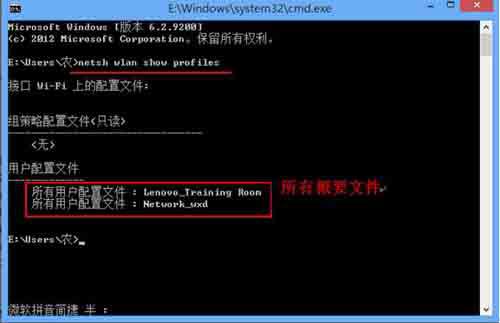
netsh wlan show profile name="設定檔名稱" key=clear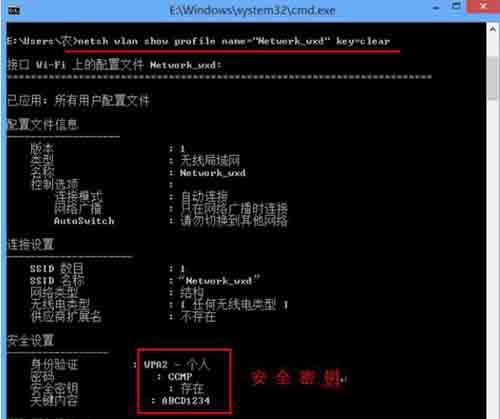
netsh wlan delete profile name="設定檔名稱"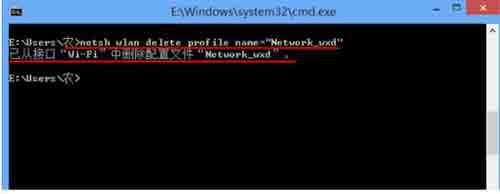
netsh wlan set profileparameter name="設定檔名稱" connectionmode=manual善用指令可精確管理無線網路設定檔,解決自動連線錯誤、密碼遺忘等問題。