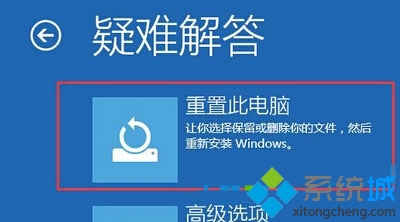
Win8/8.1 無傳統 F8 選單,需透過自動修復環境進入啟動設定,此為標準恢復流程。
Windows 8.1 Update 1 新功能搶先體驗:Modern 與桌面整合大幅強化
Win8 提升 IE11 相容性設定:關閉增強保護、啟用軟體渲染、平滑捲動
Win 8 重新命名開始畫面磚塊:右鍵開啟檔案位置修改捷徑名稱
Win8 建立 WiFi 熱點共享上網:netsh wlan 承載網絡 + ICS 共用有線網卡,附開機自啟批處理與 WiFi共享大師替代方案
Win8 免費直升 Win8.1 Update 三步驟懶人包
Win8 判斷系統是否為正版授權的兩種方法
Win8.1 DNS劫持怎麼解決?運營商頁面解除封鎖+手動指定公共DNS雙重防護
Windows 8 更換鎖定畫面背景與快速鎖螢幕技巧