Windows Registry Editor Version 5.00
[-HKEY_CLASSES_ROOT\*\shell\runas]
[HKEY_CLASSES_ROOT\*\shell\runas]
@="取得超級管理員權限"
"Icon"="C:\\Windows\\System32\\imageres.dll,-78"
"NoWorkingDirectory"=""
[HKEY_CLASSES_ROOT\*\shell\runas\command]
@="cmd.exe /c takeown /f \"%1\" && icacls \"%1\" /grant administrators:F"
"IsolatedCommand"="cmd.exe /c takeown /f \"%1\" && icacls \"%1\" /grant administrators:F"
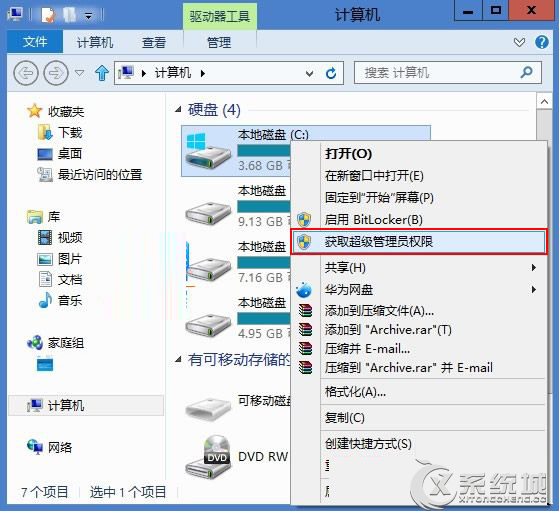
...(目錄、DLL、磁碟機同理,完整內容見原文)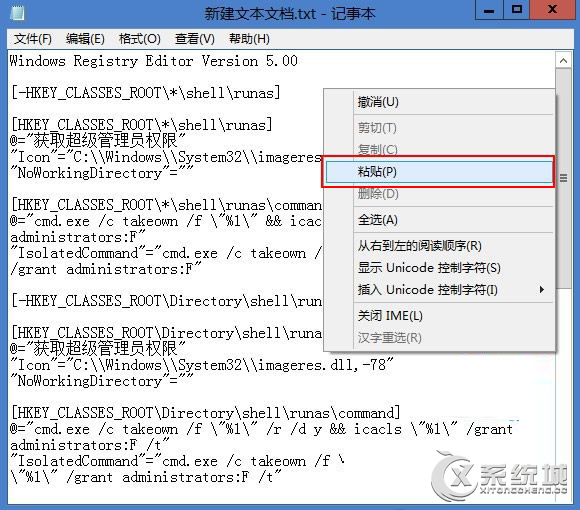
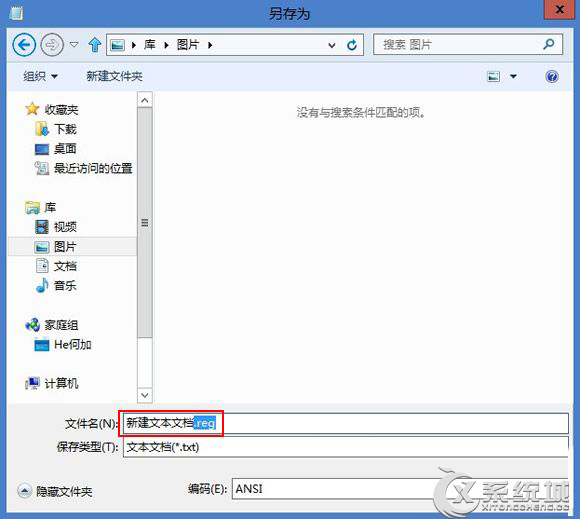
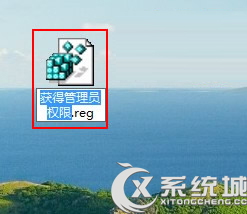
Windows Registry Editor Version 5.00
[-HKEY_CLASSES_ROOT\*\shell\runas]
[-HKEY_CLASSES_ROOT\Directory\shell\runas]
[-HKEY_CLASSES_ROOT\dllfile\shell\runas]
[-HKEY_CLASSES_ROOT\Drive\shell\runas]
[-HKEY_CLASSES_ROOT\exefile\shell\runas]
[HKEY_CLASSES_ROOT\exefile\shell\runas]
"HasLUAShield"=""
[HKEY_CLASSES_ROOT\exefile\shell\runas\command]
@="\"%1\" %*"
"IsolatedCommand"="\"%1\" %*"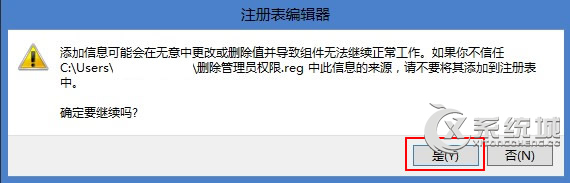
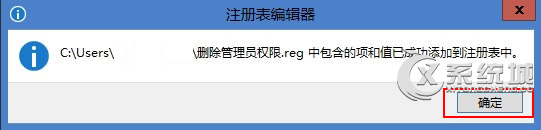
以註冊檔匯入方式操作,避免手動編輯註冊表風險,適用檔案/資料夾/磁碟機/DLL/EXE 多種物件。