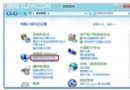
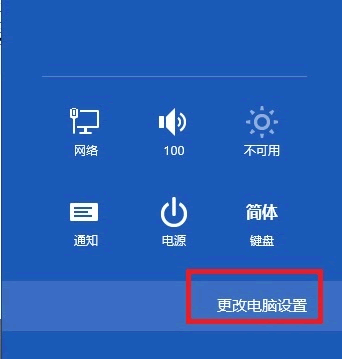
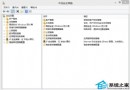
升級 Windows 8.1 後撥號上網頻繁出現「錯誤 651」,主因是「Remote Access Auto Connection Manager」服務預設為「手動」啟動。本文教您將其改為「自動」並啟動服務,徹底解決撥號失敗。
操作步驟
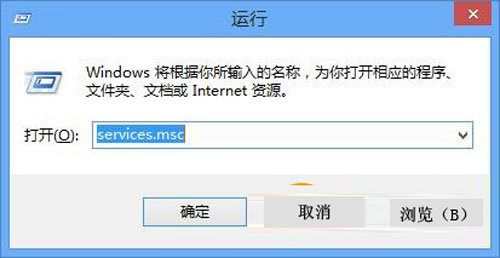
- Win+R 輸入
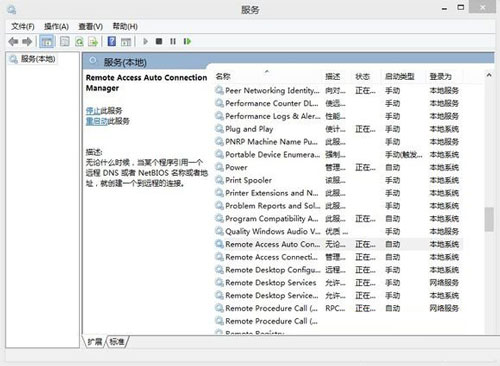
services.msc 開啟服務管理員。
- 確認下列三項服務狀態:
• Telephony (電話) — 自動、已啟動
• Remote Access Connection Manager (遠端存取連線管理員) — 自動、已啟動
• Remote Access Auto Connection Manager (遠端存取自動連線管理員) — 手動、已停止 (問題核心)
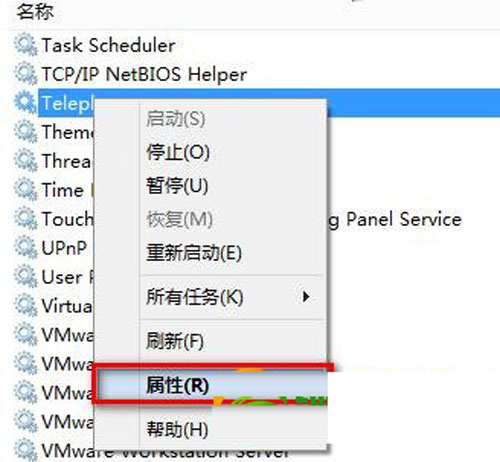
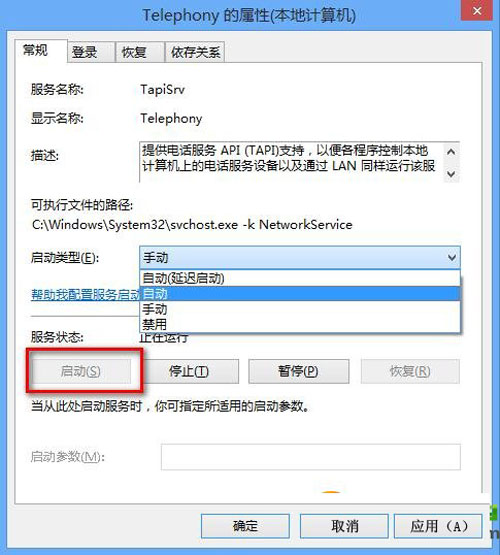
- 右鍵第三項服務 →「內容」→「啟動類型」改為「自動」→「啟動」→ 確定。
驗證
重新撥號,應不再出現錯誤 651,且開機自動連線正常。