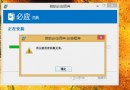
升級 Windows 8.1 後出現睡眠失效 (無法進入或喚醒即重開機)。主因為顯示卡驅動不相容或登錄項 AwayModeEnabled 干擾。本文提供雙管齊下解決方案。
使用「驅動精靈」或至 NVIDIA/AMD/Intel 官網下載最新 Windows 8.1 專用驅動程式安裝。

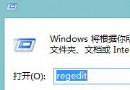
regedit 開啟登錄編輯器。HKEY_LOCAL_MACHINE\SYSTEM\CurrentControlSet\Control\Session Manager\Power。AwayModeEnabled → 右鍵刪除 → 重新啟動電腦。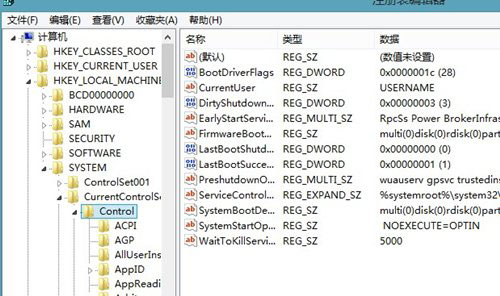
Away Mode 為媒體中心設計的低功耗模式,若硬體不支援易導致睡眠異常。刪除此值可強制使用標準 S3 睡眠機制。
Windows 8 筆電關機後電源指示燈持續亮著?混合式關機機制解析與關閉快速啟動
Windows 8.1 設定「滑動關機」:建立 slidetoshutdown.exe 快捷方式,拖曳即關機超酷炫
Win8.1 關閉右下角 SkyDrive 雲端圖示:msconfig 停用 Network List Service
Win8.1 應用程式商店 0x80073cf0 錯誤?修復 TEMP 環境變數路徑即時解決
Windows 8 同步功能詳解:讓個人設定隨身行,跨裝置無縫體驗
Windows 8.1 12 大變化:開始按鈕回歸、磚塊四尺寸、直進桌面、SkyDrive 整合等