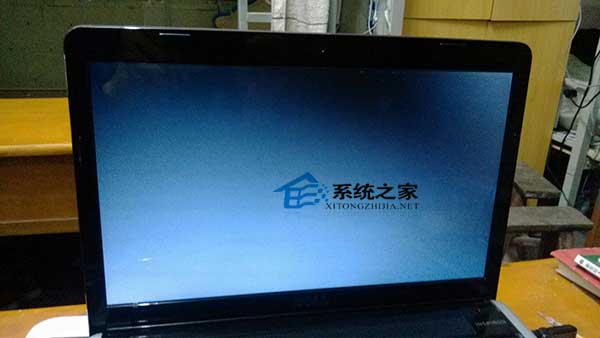
Win8 專業版開機進桌面後黑屏?Ctrl+Alt+Del 開工作管理員 → 「檔案」→「執行新工作」→ 開啟 360 安全衛士 → 「優化加速」→「啟動項」→「系統關鍵服務」→ 取消「隱藏已停用項目」→ 找到 Broker Infrastructure → 「恢復啟動」→ 重開機解決。
其他版本 Win8 黑屏同樣可嘗試此法。
Win8 開機黑屏只有游標?結束 RunOnce Wrapper 進程並移除惡意瀏覽器擴充功能
Win8 開啟登錄檔兩招:Win+R 指令或找回開始選單
Win8 工作列時鐘顯示星期幾:修改短日期格式加入 dddd 即可
Win8 開啟遠端桌面連線兩種方法:內建工具與商店應用
Win8 工作排程器建立基本任務與進階任務完整教學
Win8 IE10 關閉「關閉多個頁籤時發出警告」提示框
Win8.1 手動檢查 Windows Update 避免自動更新卡頓
Windows 8 便箋遺失與執行檔位置尋找教學