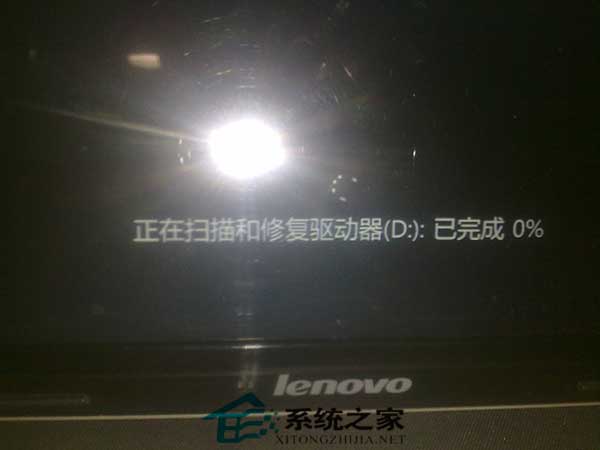
每次開機都跑掃描修復磁碟、等超久?主因是非正常關機導致檔案系統髒污,或 FAT32 格式特性、壞軌。六大解法:
命令提示字元執行:convert X: /fs:ntfs(X 為磁碟代號)。
「執行」→ chkdsk X:/f 修復邏輯錯誤 → 「磁碟重組工具」重組消除重複掃描。
「我的電腦」→ 磁碟右鍵「內容」→「工具」→「開始檢查」→ 勾選「自動修復檔案系統錯誤」與「掃描並嘗試修復壞磁區」→ 開始 → 重開機自動修復。
定位 HKEY_LOCAL_MACHINE\SYSTEM\CurrentControlSet\Control\Session Manager → 雙擊 BootExecute → 值改為 autocheck autochk * 或清空數值 → F5 重新整理。
疑似壞軌用 HDD Regenerator 等工具修復。
同方法四清空 BootExecute 數值,可取消所有磁碟開機掃描。
視情況擇一或組合使用,徹底解決開機漫長等待。