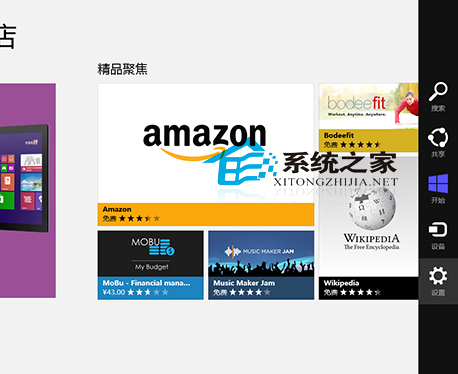
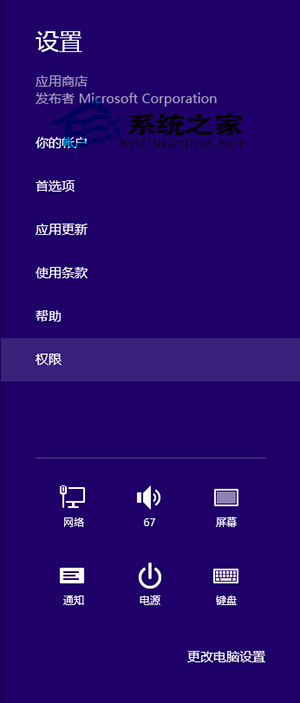
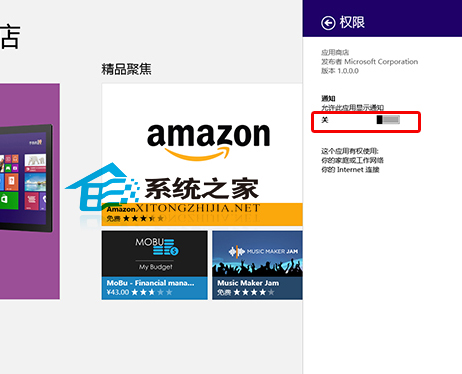
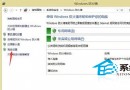
Windows 8 应用商店默认开启推送通知,若不使用 Modern 应用或不想被打扰,可在商店内部设置中一键关闭“允许此应用显示通知”。
设置即时生效,后续商店更新、促销、推荐等推送将不再弹出。Windows 8.1/10 中该设置迁移至“设置 → 系统 → 通知和操作 → 获取这些发送者的通知 → 应用商店”统一管理。
Windows 8 工作排程器完整教學:建立自動化任務與排程
Windows 8 将五笔输入法设为默认的图文教程
Win8 系統下使用 DiskGenius 將硬碟從 MBR 無損轉換為 GPT 格式教學
Windows 8 設定預設瀏覽器完整教學(IE/Chrome/Edge/Firefox)
Windows Server 2003 系統服務配置與管理完整指南
Windows 8 安全新功能:PatchGuard 核心防護與 64 位元架構深度解析
Win8.1 觸控手勢操作大全:拖曳、右鍵、縮放、選單、關閉應用、切換工作
Win8 系統故障排除:善用「動作中心」→「復原」→「系統還原」快速回溯