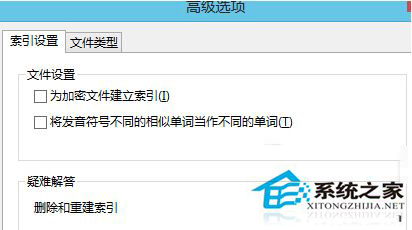
Windows 搜尋索引快取 (Windows.edb) 隨時間增大佔用系統盤空間。可將其遷移至非系統盤,一勞永逸避免空間壓力。
遷移後索引檔案增大不再影響系統盤剩餘空間,搜尋效能不受影響。
Win8 系統還原與重設電腦完整實測:保留檔案 vs 完全清除
Win8.1 沒聲音怎麼辦?三階段修復流程快速找回音效
Win8 關閉 Charms 列(超級按鈕)與左上角應用程式切換器教學
Win8 中英輸入法切換改回 Ctrl+Shift:語言列設定修改切換熱鍵
Windows 8 電話啟動完整圖文教學
Win8 靈活使用「敘述者」功能:Win+R 輸入 narrator 啟動,自訂語音速度/音量/音調與鍵盤指令
Windows 8 版本選購指南:RT、標準版、專業版功能差異一覽表
Windows 8 刪除內建 Metro 應用程式:PowerShell 與應用程式管理工具