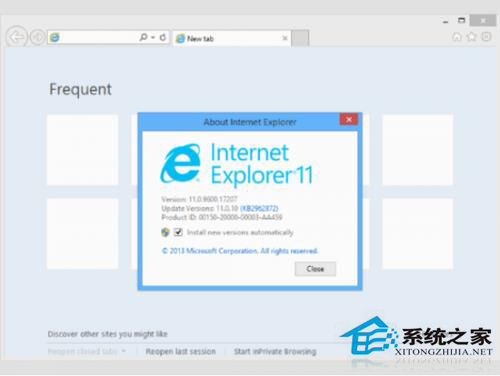
IE11 相容性問題較多,若想回退 IE10,無需重新安裝,直接移除 IE11 更新即可,系統會自動還原為 IE10。
appwiz.cpl
此法利用 Windows 元件堆疊機制,移除較新版本即回退至舊版,快速且無殘留。
Windows To Go:將 Win 8 企業版裝進 USB 隨身碟,打造攜帶式工作環境
Windows 8 關機快捷方式建立教學:一鍵關機、重開機、鎖定、睡眠、休眠
Win8.1 官方 ISO 下載與安裝媒體製作完整教學
Win8 IE11 將網頁儲存到閱讀清單:分享魅力按鈕一鍵收藏稍後閱讀
Win8 IE10 收藏夾雲端同步設定:Microsoft 帳戶一鍵啟用
Windows 8 飛行模式一鍵關閉所有無線網路:Wi-Fi、藍牙、行動寬頻全關閉
Win8 應用商店安裝報錯 0x80244019?重置 SoftwareDistribution 與 wsreset 指令修復
Windows 8 網速慢解決方案:QoS 預留頻寬從 20% 調整為 0% 釋放頻寬