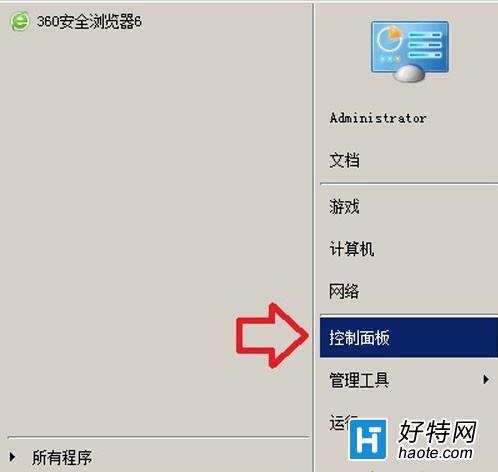
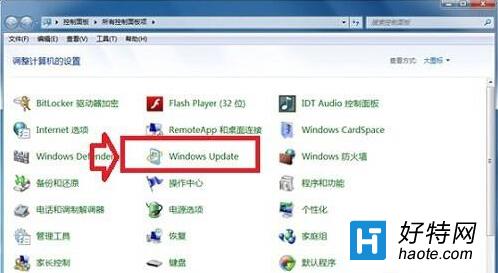
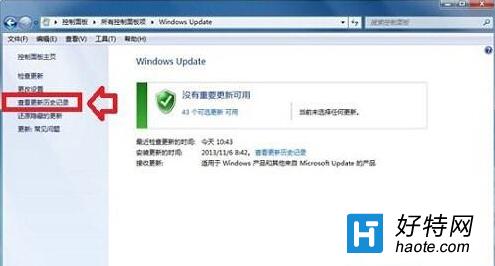
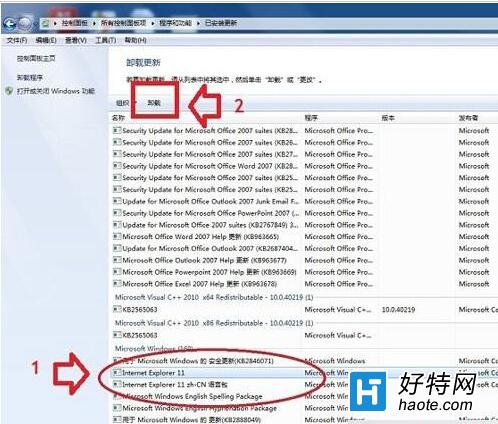
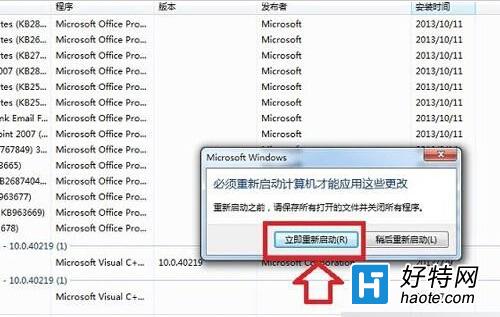
IE11 对部分旧版网银/办公系统兼容性不佳,可通过“查看已安装更新”卸载 IE11 补丁,系统自动回退至 IE10。
重启后 IE 版本自动变为 10。若后续需升级,可在 Windows Update 中再次勾选 IE11 安装。注意:IE10 已停止安全更新,建议仅作临时兼容方案。
Windows 8.1 開始畫面桌面磚被刪除:從同版本系統複製 C:\ProgramData\Microsoft\Windows\Start Menu\Programs 恢復
Win8 內建天氣應用程式無法使用?改裝「中國天氣通」替代方案
Win8.1 徹底停用家庭群組服務:services.msc 設定教學
Win8 觸控板設定教學:開啟/關閉、靈敏度調整與手勢操作
Win8 玩 CF(穿越火線)初始化失敗?虛擬記憶體、DirectX、執行階段庫三大修復方案
Win8 資訊應用新增主題,打造專屬你的閱讀清單
Windows 8.1 升級 Windows 8.1 Update (RTM) 完整圖文教學
Windows 8 藍牙設備顯示「脫機」解決方案:雙擊打開服務/重新配對