Windows 8 媒體中心在哪?免費金鑰安裝流程 (Release Preview 版本)
Windows 8 Release Preview 不預裝媒體中心,微軟官方 FAQ 提供免費金鑰安裝方法 (正式版需付費購買)。
安裝步驟
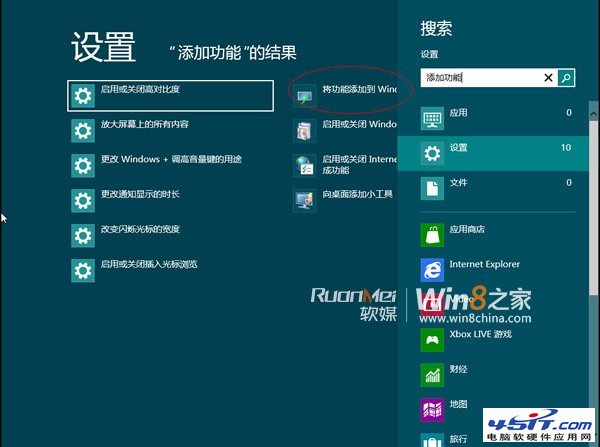
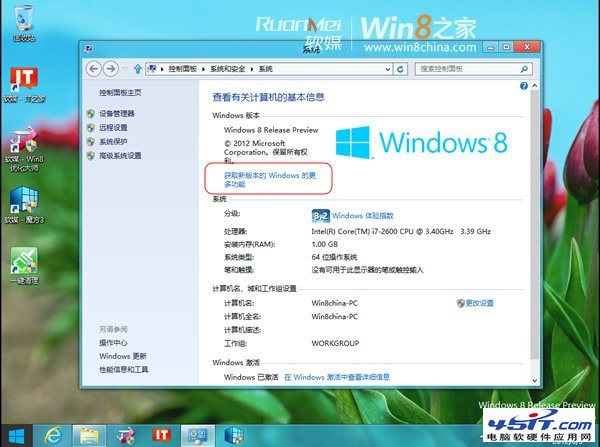
- Charms 列 →「搜尋」→ 輸入「新增功能」→ 點選「將功能新增到 Windows 8」。
- 或直接在控制台「程式和功能」→「啟用或關閉 Windows 功能」相關入口。
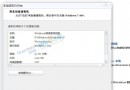
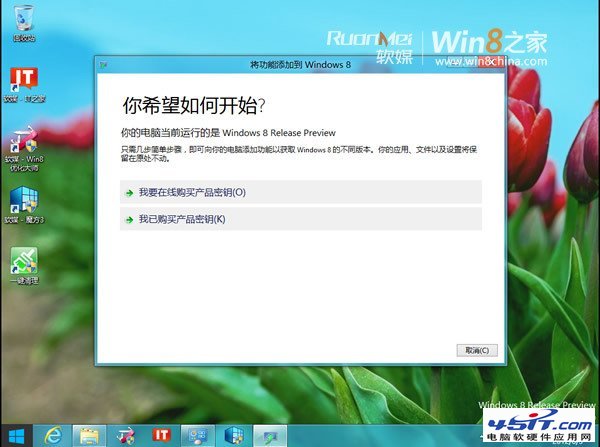
- 點選「我已購買產品金鑰」。
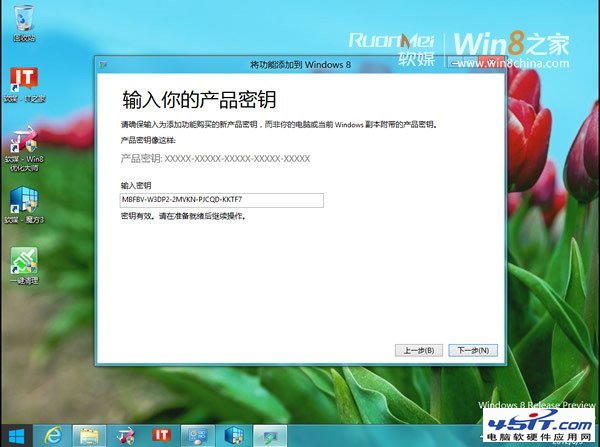
- 輸入金鑰:
MBFBV-W3DP2-2MVKN-PJCQD-KKTF7 (Release Preview 專用免費金鑰) →「下一步」。
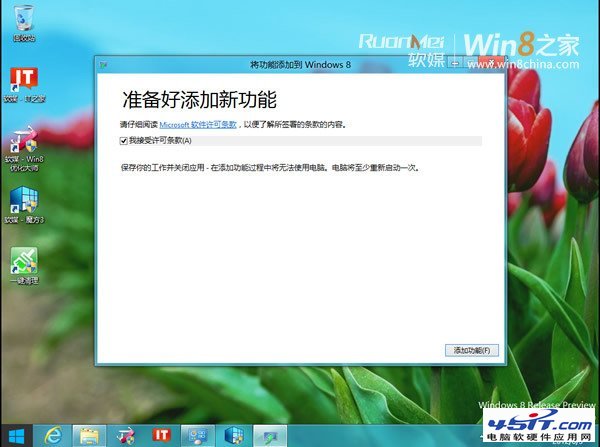
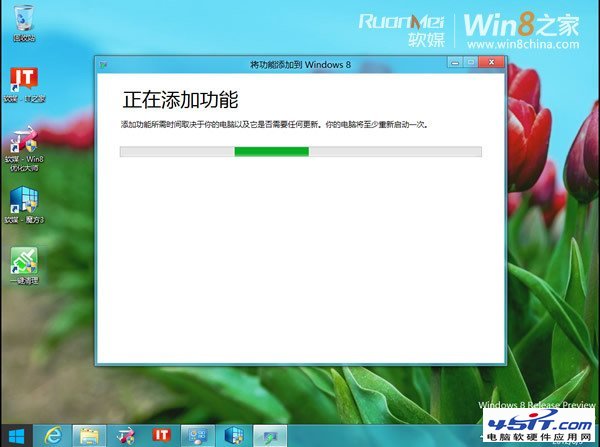
- 勾選接受授權條款 →「新增功能」。
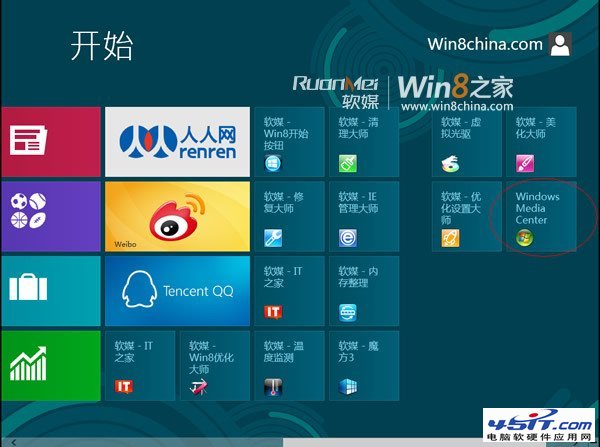
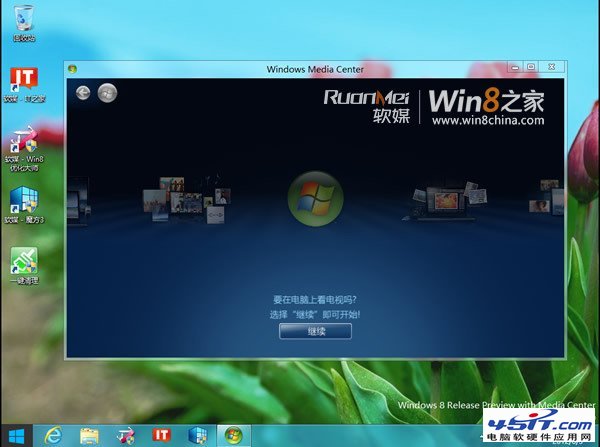
- 電腦重開機,媒體中心安裝完成,磚釘選在開始畫面,系統版本變更為「Windows 8 Release Preview with Media Center」。
注意:此免費金鑰僅適用於 Release Preview 版本,正式版需購買 Windows 8 Media Center Pack。