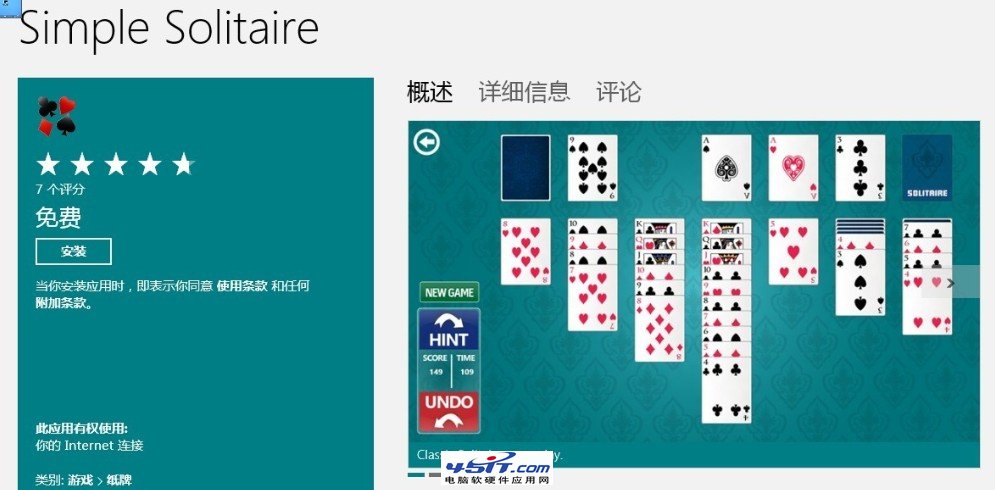
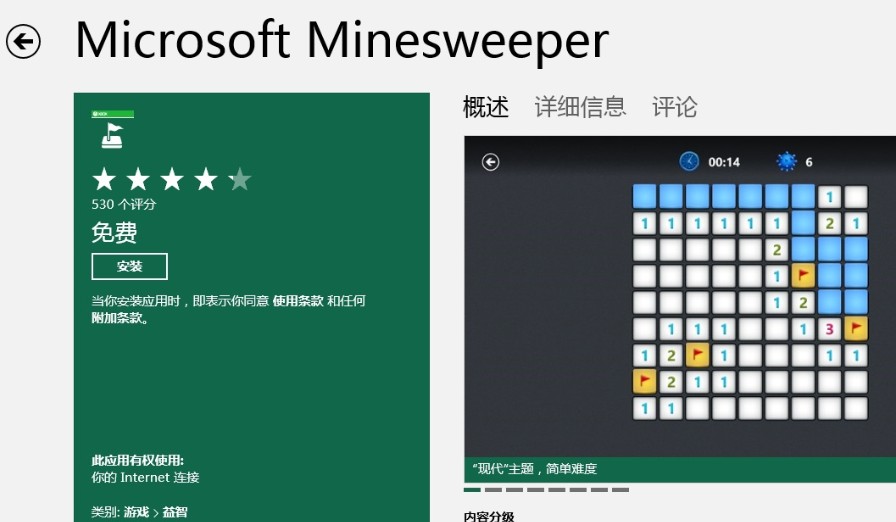
Windows 8 不再預裝經典撲克牌、掃雷等遊戲。需自行從 Windows Store 下載 Microsoft 官方免費版本。
Windows Store 還提供更多免費休閒遊戲,歡迎自行探索。
Windows 8 寬帶撥號連線建立與桌面捷徑設定完整教學
Windows 8 開始螢幕行事曆應用程式完整圖解
破解迷思:免費版 Win8.1 with Bing 並非限 1GB 記憶體裝置
Windows 8 無線網卡「承載網路」顯示不可用?啟用虛擬網卡適配器即可解決
Win8熱門問題大全:版本差異、安裝、相容性、關機全解析
Windows 8 十二大實用功能:Metro 主畫面、多螢幕、鎖定畫面、搜尋、管理員權限等
微軟官方Windows 8系統需求完整版(含特殊功能條件)
Windows 8.1 移除桌面「家庭群組」圖示教學