Windows 8 系列有三個正式版本:Windows 8 (2012)、Windows 8.1 (2013)、Windows 8.1 Update (2014)。快速辨識三大關鍵特徵:
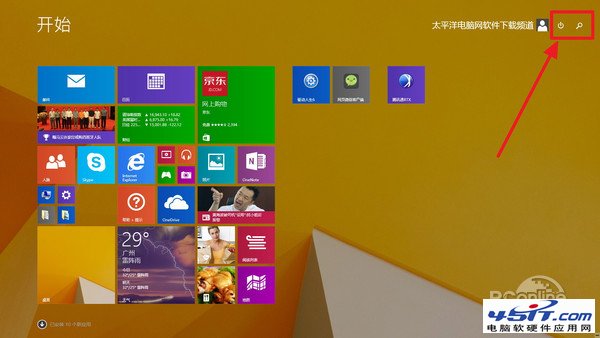
Windows 8 開始畫面電源按鈕自訂:新增休眠、睡眠等選項
Win 8 預覽版一日體驗:輸入法、快速切換、IE10、軟體相容性測試
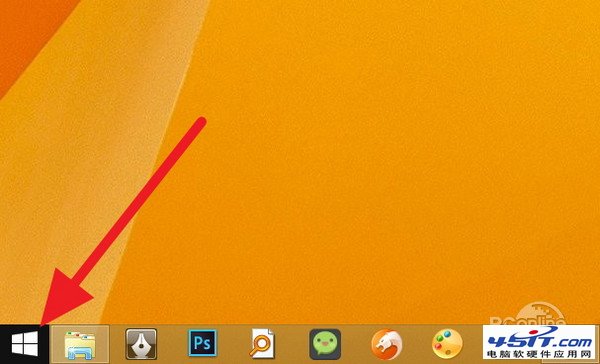
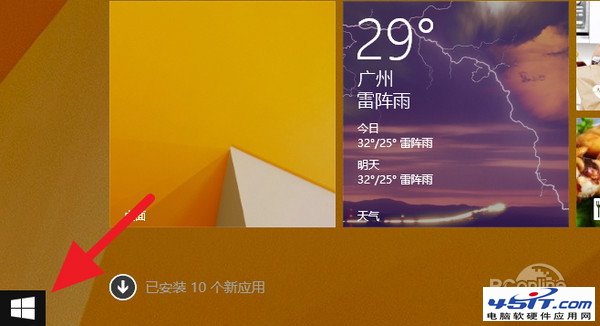
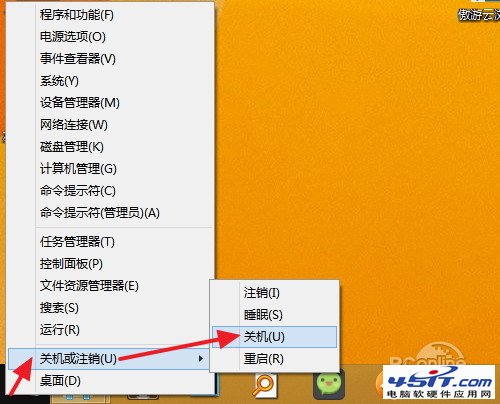
Windows 8 隱藏的「開始選單」喚醒技巧:右鍵左下角或 Win+X 快速存取系統工具
Win8正式版美化完全指南:主題、圖示、游標、工作列全攻略
Win8.1 Build 9385 解鎖 Bing 鎖定畫面每日壁紙:登錄檔啟動隱藏功能
USB 隨身碟無法安全移除「通用磁碟區」?五種解法 + 預防技巧
Windows 8 WinX 選單深度客製化(上):認識 WinX 架構、刪除/重命名/新增群組與重啟總管
Windows 8.1 建立寬帶撥號連線(PPPoE)完整圖解教學