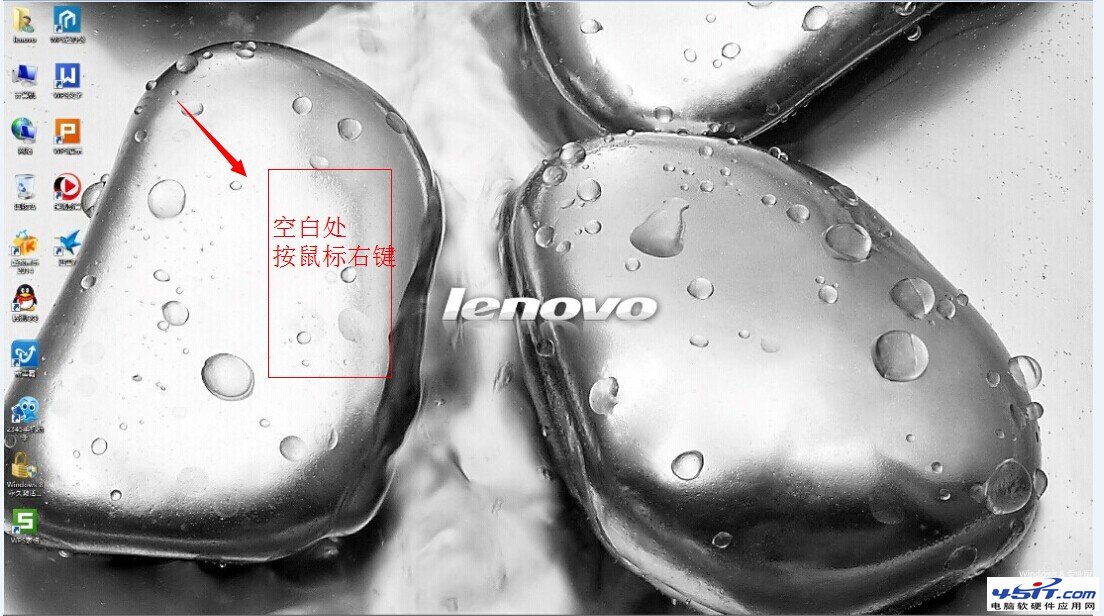
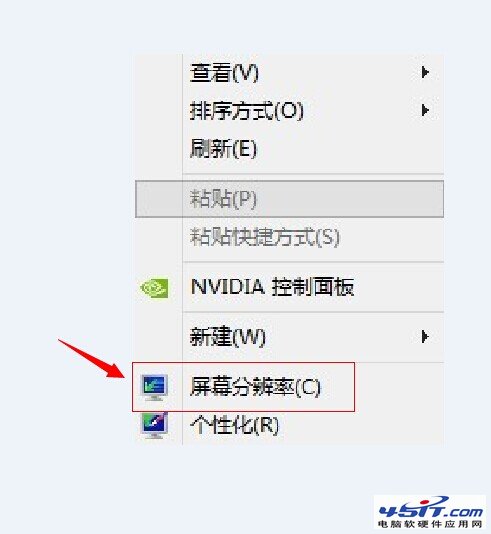
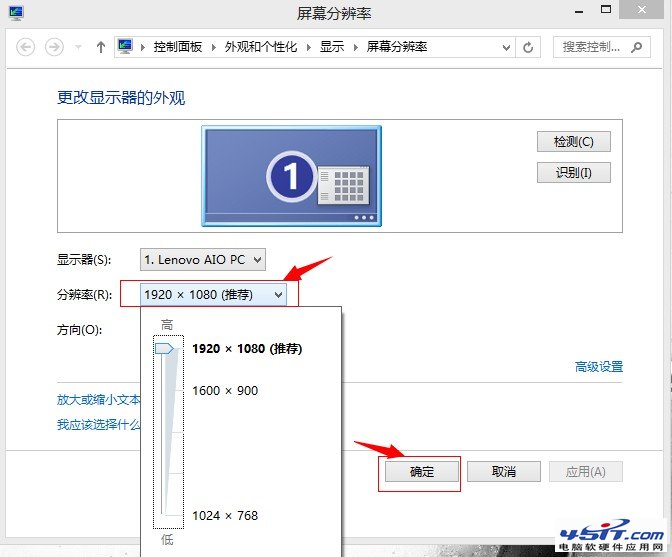
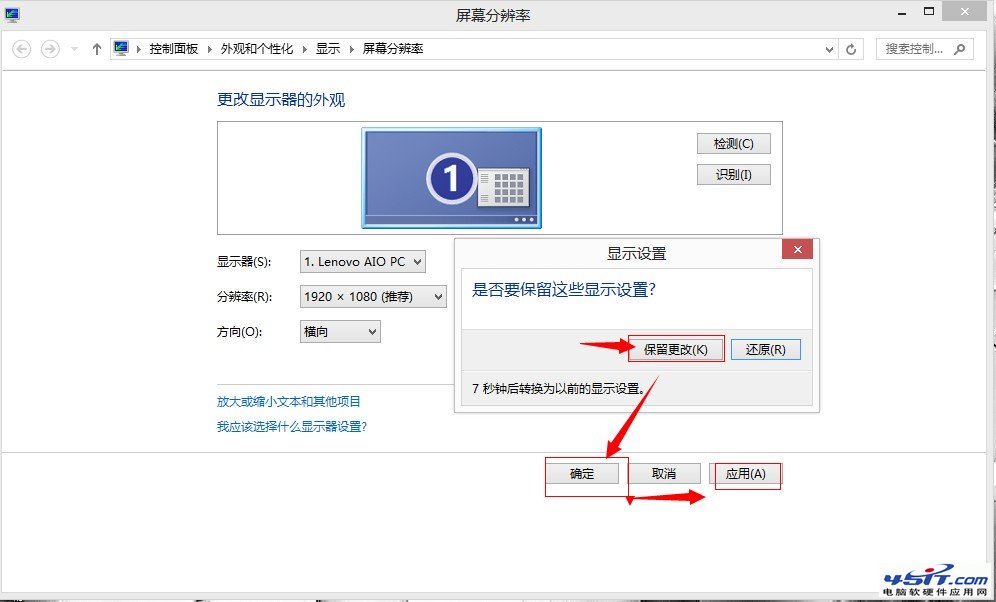
Windows 8 調整螢幕解析度操作:
Windows 8 無法開啟網頁?網路連線測試、DNS 設定與 Winsock 重置完整排除教學
微軟官方Win8應用開發教學視頻資源整理
Win8.1 如何從 Microsoft 帳號切換為本機帳號?完整圖文教學
Windows 8.1 安裝後硬碟變「可攜式裝置」?驅動程式過舊惹禍
Windows 8 飛行模式:一鍵關閉所有無線網路
挖掘 Windows 8 開發者預覽版 6 張內建精美壁紙
Windows 8 玩舊遊戲缺少 d3dx9.dll 解決:安裝 DirectX 最终用戶執行階段
Windows 8.1 預覽版移除「Windows 體驗指數」:時代的眼淚?