Windows 8 開發者預覽版內建多張高品質壁紙,除知名的超寬雙螢幕全景外,登入畫面的公路風景及其他 5 張圖片同樣優秀。它們藏在系統資料夾中,輕鬆取出即可收藏。
C:\Windows\Web 資料夾。
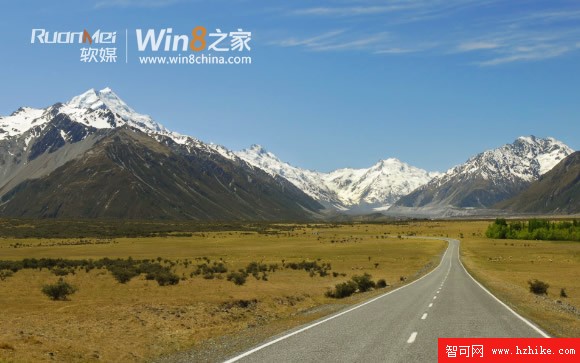
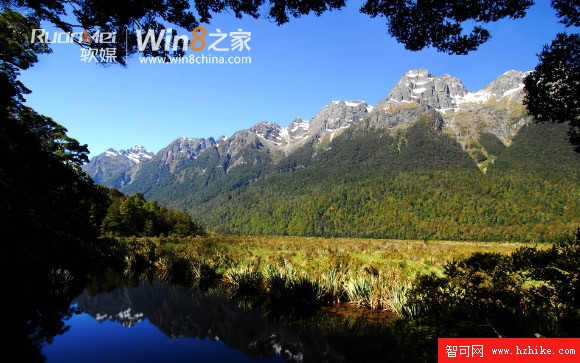




這些壁紙解析度高、構圖優美,非常適合作為桌布收藏或多螢幕延伸背景。
同方新款超極本曝光:全球首款 Win8 十點觸控鋁合金一體成型
Windows 8 工作列擴充技巧:新增工具列資料夾分類捷徑、Bins 整合堆疊式圖示 (類 Mac OS X Dock)
Win 8 新介面安裝體驗實錄(一):下載、燒錄、BIOS 設定、首次重開機
Outlook.com 活動檢視:收件匣內預覽照片/影片、互動社群更新
Win8.1 觸控鍵盤無聯想字詞?同 Win8 解法:切換手寫模式為「單獨書寫每個字元」
解決 Surface Pro 2 固件更新錯誤 0x80070490:官方論壇驗證的修復方案