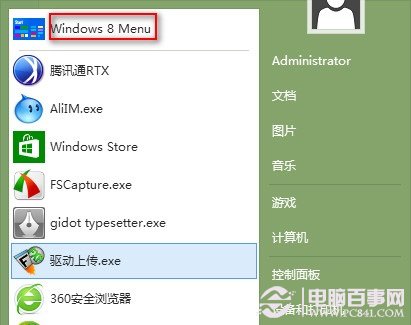
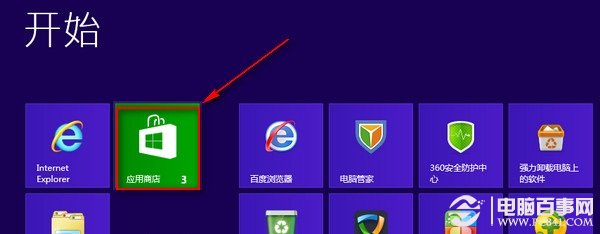
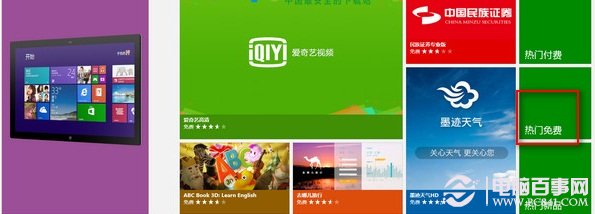
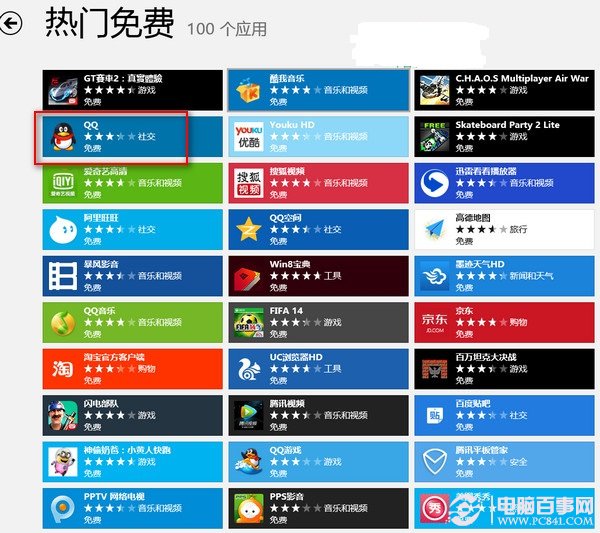
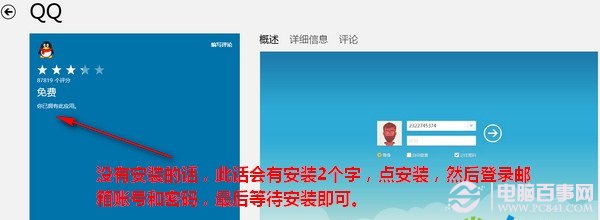
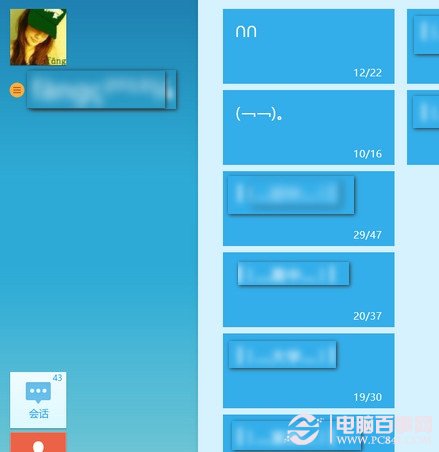
Win8 系統下無法像 Win7 直接下載 EXE 安裝檔,QQ 必須從「應用程式商店」安裝 Metro 版,且需 Microsoft 帳戶登入。
注意:Metro 版 QQ 功能較桌面版精簡,若需完整功能建議切換到傳統桌面下載安裝桌面版 QQ(Win8 相容模式可運行)。
Windows 8.1 應用程式商店入口與安裝軟體完整圖解
Windows 8 雙系統硬碟分區拒絕存取?權限設定修復教學
Windows 8 消費者預覽版 10 種關機方法詳解:從 Charms 列到第三方工具
Ctrl 鍵神技:瞬間凍結任務管理器畫面,輕鬆抓取進程峰值
Win8 切換網路位置類型:公用 ↔ 私人 (家用/公司) 一鍵搞定
Windows 8 測試版安裝流程與界面截圖曝光(下):啟動畫面、預設壁紙、任務列頭像
Windows 8 應用商店常見問題全攻略:查看已裝應用、多裝置同步、錯誤代碼解決方案
Windows 8 平板電腦 Metro 觸控操作 9 大技巧:超級按鈕、多工、IE10 手勢全掌握