官方免費金鑰
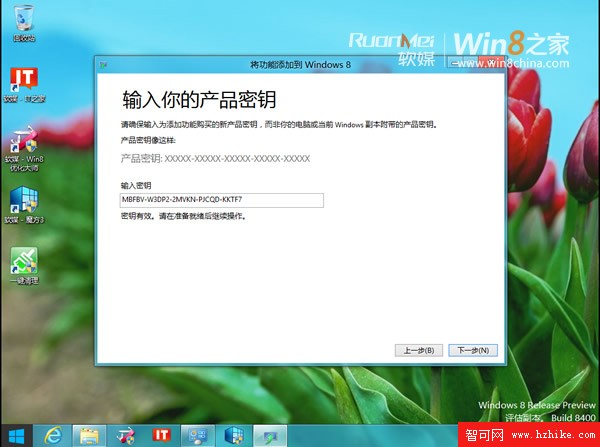
微軟常見問題中心提供 RP 版免費 Media Center 金鑰:MBFBV-W3DP2-2MVKN-PJCQD-KKTF7(僅供試用,正式版需購買)。
詳細步驟
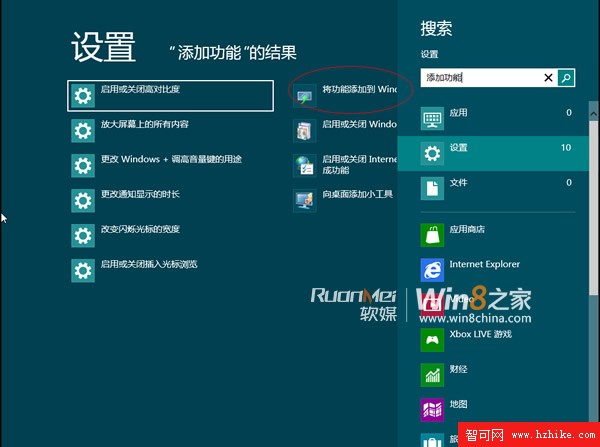
- 右邊緣輕劃 → 搜尋 → 輸入「新增功能」 → 點擊「將功能新增至 Windows 8」。
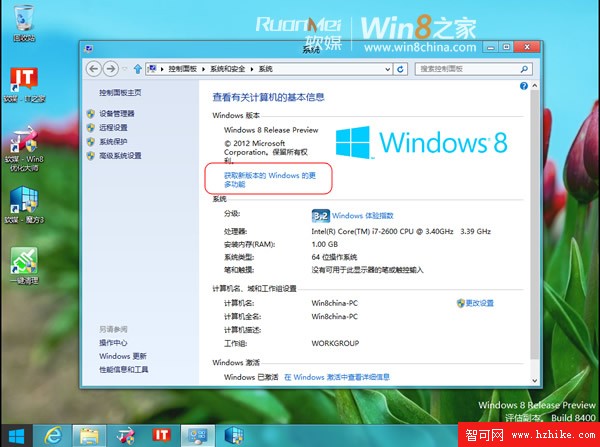
- 或直接在「系統」中點擊「獲取新版本的 Windows 的更多功能」。
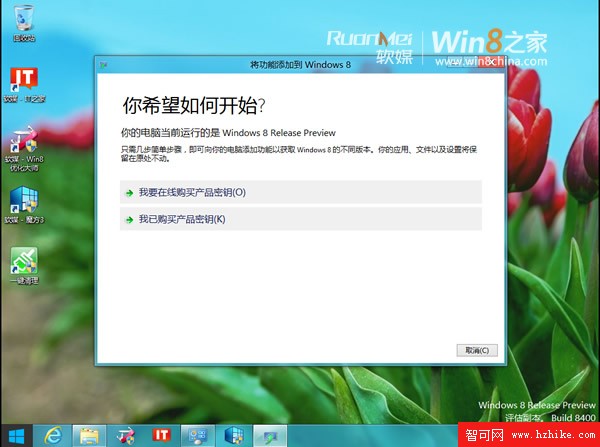
- 選擇「我已購買產品金鑰」。
- 輸入上述金鑰 → 下一步。
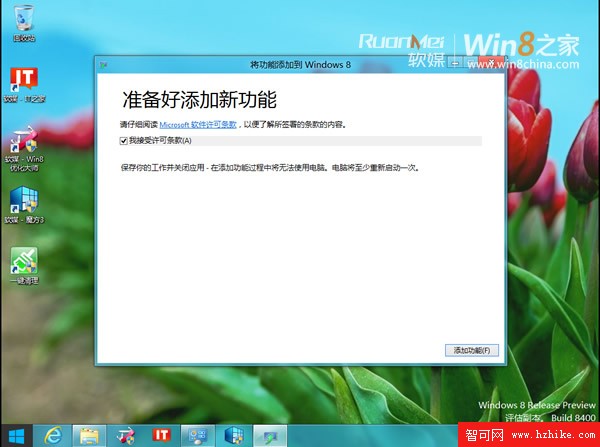
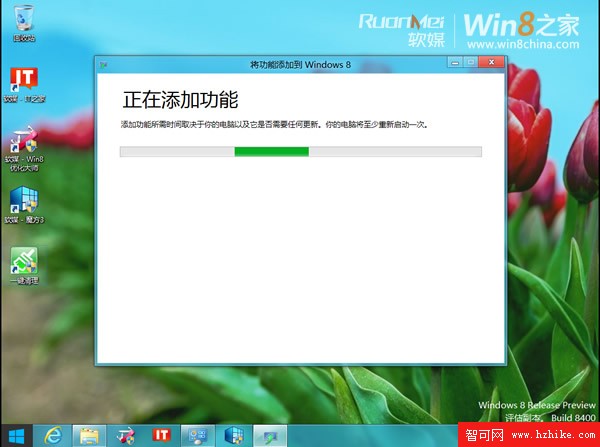
- 勾選接受授權條款 → 「新增功能」。
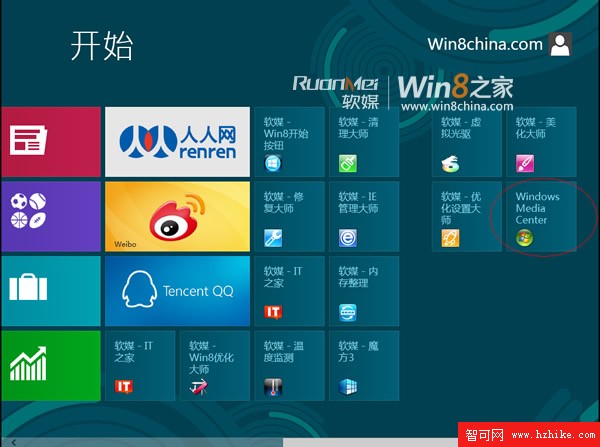
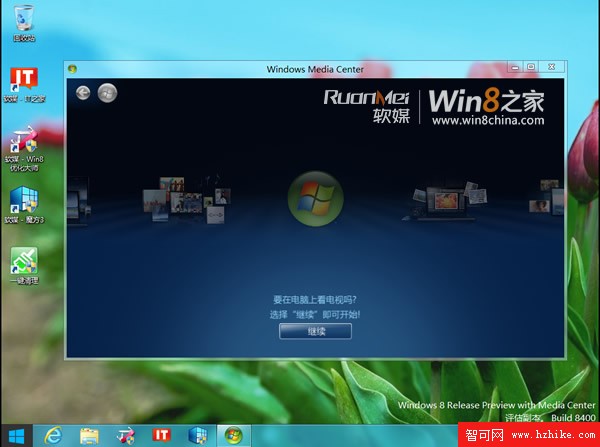
- 電腦重啟後,Media Center 自動安裝並釘選至開始畫面,系統版本顯示為「Windows 8 Release Preview with Media Center」。
注意
此金鑰僅供 RP 版試用,正式版需購買 88 元媒體中心包。