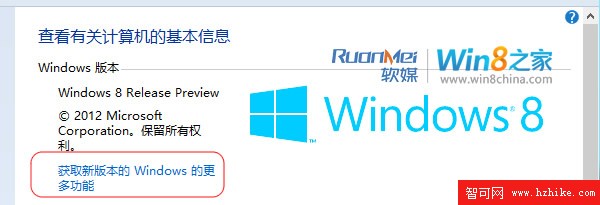
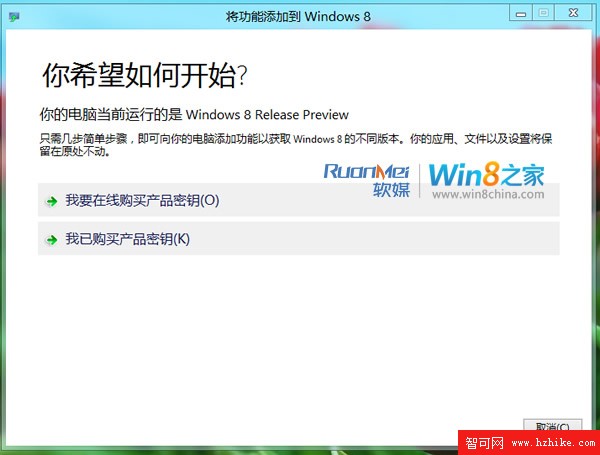
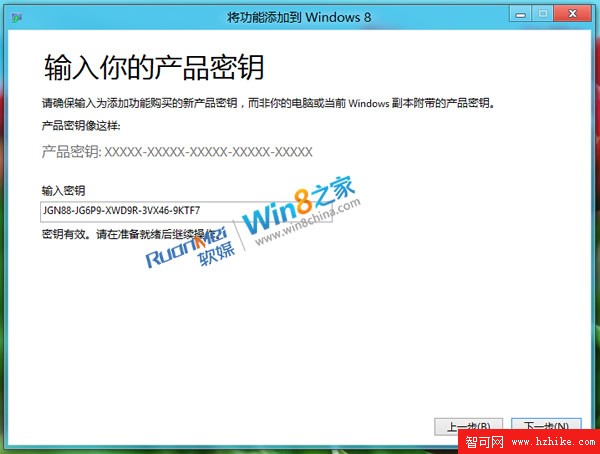
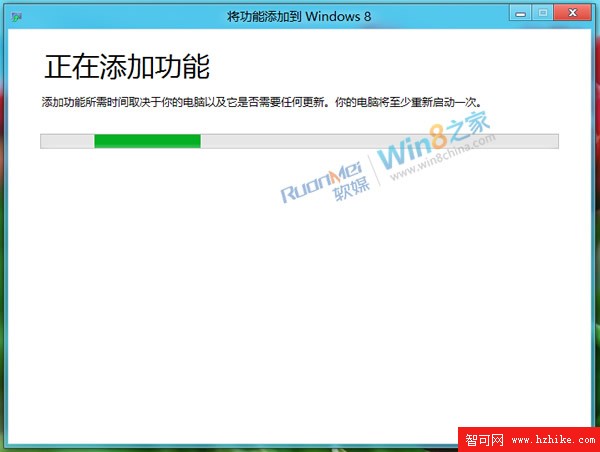
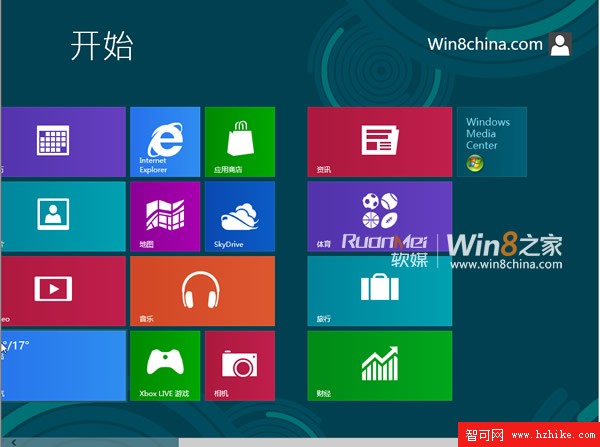
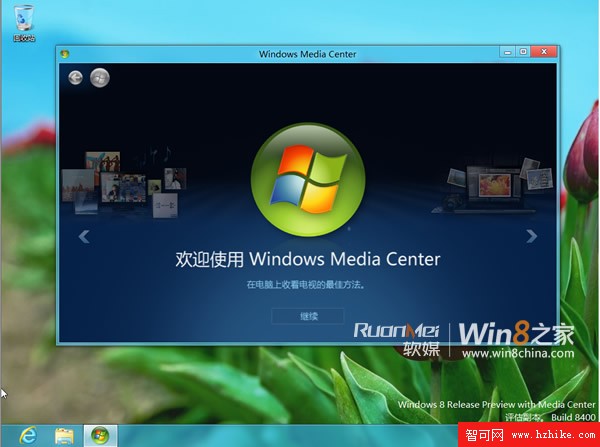
Windows 8 將 Windows Media Center (WMC) 從標準版移出,改為付費「功能升級包」。利用洩露的 Win8 RP 8400 簡體中文版與對應 ProfessionalWMC 產品金鑰,可免費體驗此升級模式。
ProfessionalWMC=JGN88-JG6P9-XWD9R-3VX46-9KTF7(來源:洩露鏡像 Product.ini)
ProfessionalWMC=JGN88-JG6P9-XWD9R-3VX46-9KTF7
透過功能升級模式與特定金鑰,RP 版用戶可免費搶先體驗正式版需付費購買的媒體中心功能。
Windows 8 圖片密碼機制揭秘:個人化手勢登入、安全性分析與效率優勢
Windows 8 關閉自動更新:控制台 → 系統與安全性 → 啟用或關閉自動更新 → 從不檢查更新 (不建議)
Windows 8 限制磁碟存取:群組原則禁止特定分區被「我的電腦」開啟
Windows 8 系統檔藏彩蛋:TwinUI.dll 內建「驚天惡搞」預告圖
Win8.1 IE11 無法開啟本機網站?將網址加入「區域網路」而非「信任網站」即可解決
Win8.1 進入安全模式的兩種實用方法(msconfig 與 bcdedit)
Win8.1 磁碟清理深度教學:刪除 Windows.old 釋放大量 C 槽空間
Skype Translator 預覽版註冊教學:Win8.1/Win10 體驗同聲翻譯