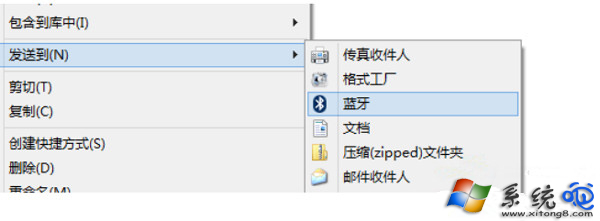
Win8 藍牙裝置啟用後未自動出現在右鍵「傳送到」?手動加入:
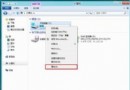
C:\Windows\System32\fsquirt.exe
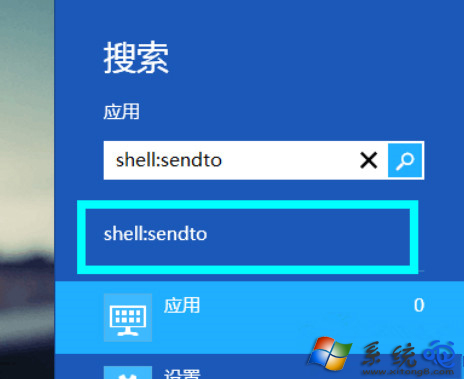
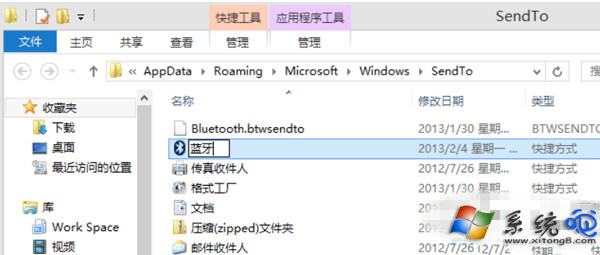
shell:sendto
Bluetooth.btwsendto
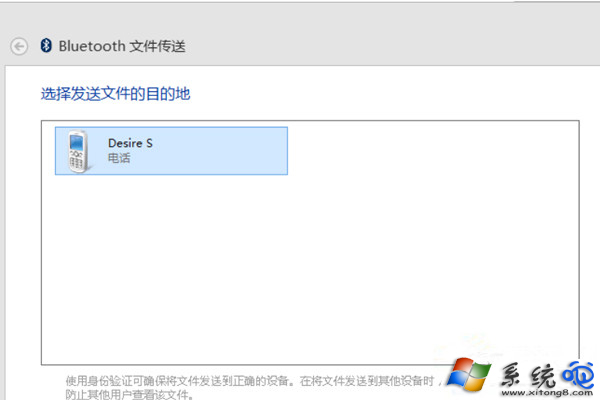
即可一鍵將檔案透過藍牙傳至手機。
Windows 8 應用商店:年入十億美元吸金石、Beta 版全場免費、開源軟體准入、單購最多裝 5 台
Win8 桌面壁紙突然變黑?刪除登錄 LogPixels 值恢復
Win8 Windows Defender 無法啟動?啟動相依服務即可修復
Mozilla 開發雙模式 Firefox:同時支援 Metro 與傳統桌面環境
Windows 8 磁碟碎片整理教學:優化磁碟機提升讀寫效能
Windows 8 桌面小工具(Gadgets)安裝與管理:控制台外觀與個人化 → 桌面小工具完整流程
Win8.1 Update WIMBoot安裝模式:僅佔用4GB C槽空間的Windows映像開機技術
Windows 8 關機十大實用方法:從 Charms 到命令列全掌握