無法登入排查步驟
- 驗證 Microsoft 帳戶:在另一台電腦登入 Live 服務(如 Hotmail),確認帳戶無異常。若無法登入,嘗試重設密碼。
- 變更密碼後重試:在其他電腦修改密碼後,回原電腦嘗試登入。
預防措施:建立密碼重設磁碟
- 插入 USB 隨身碟或可移動媒體。
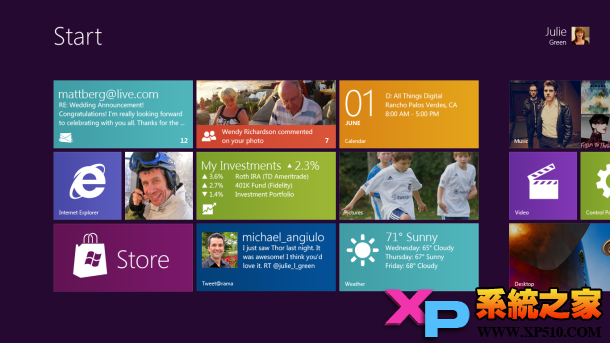
- 開始畫面按 Win + W → 輸入「Create a password reset disk」 → Enter。
- 依「忘記密碼精靈」指示完成建立。
日後無法登入時,點擊登入畫面「重設密碼」連結啟動精靈即可重設。
本地帳戶用戶
本地帳戶同樣可建立密碼重設磁碟,流程相同,建議所有用戶預先製作以備不時之需。