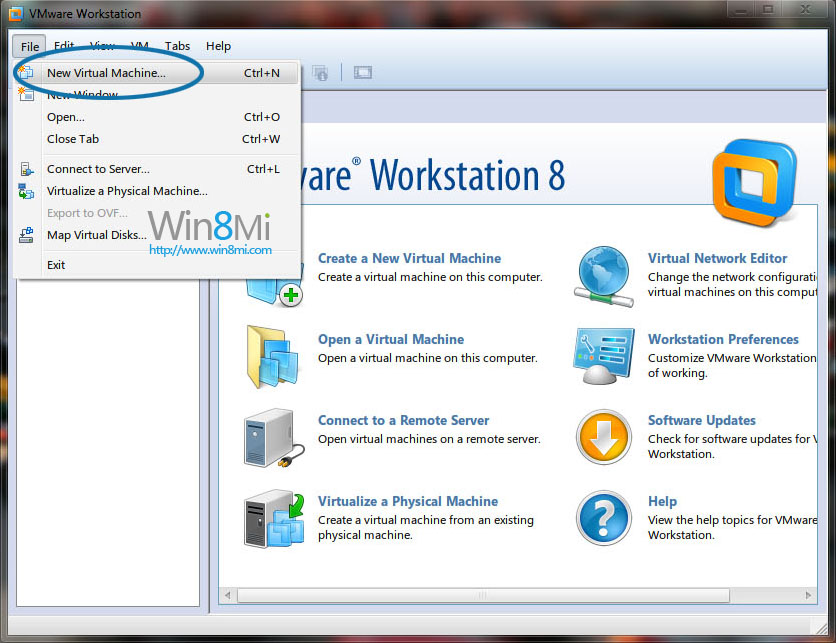
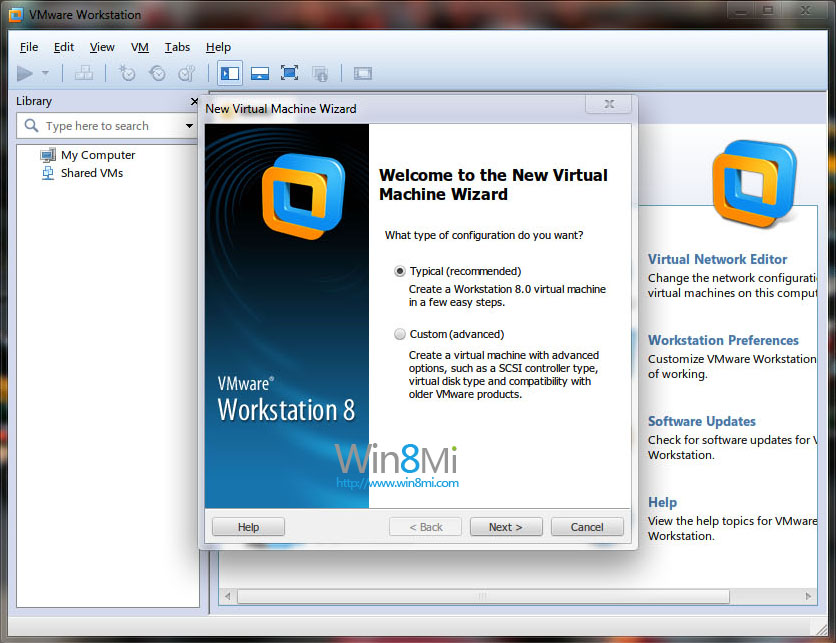
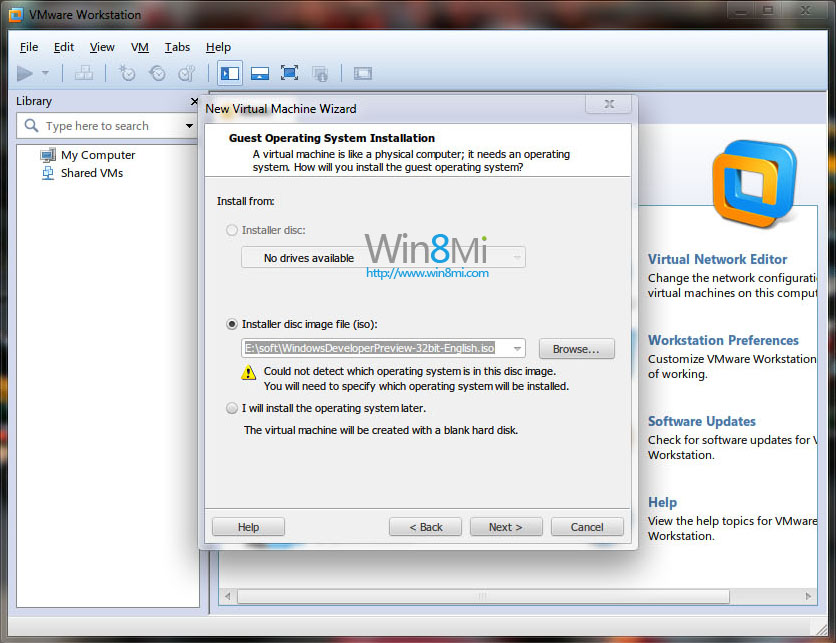
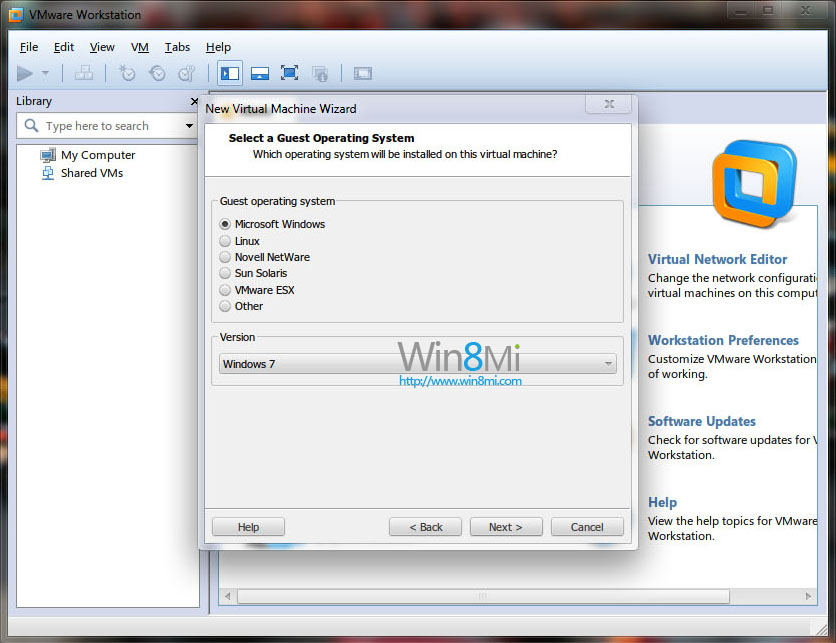
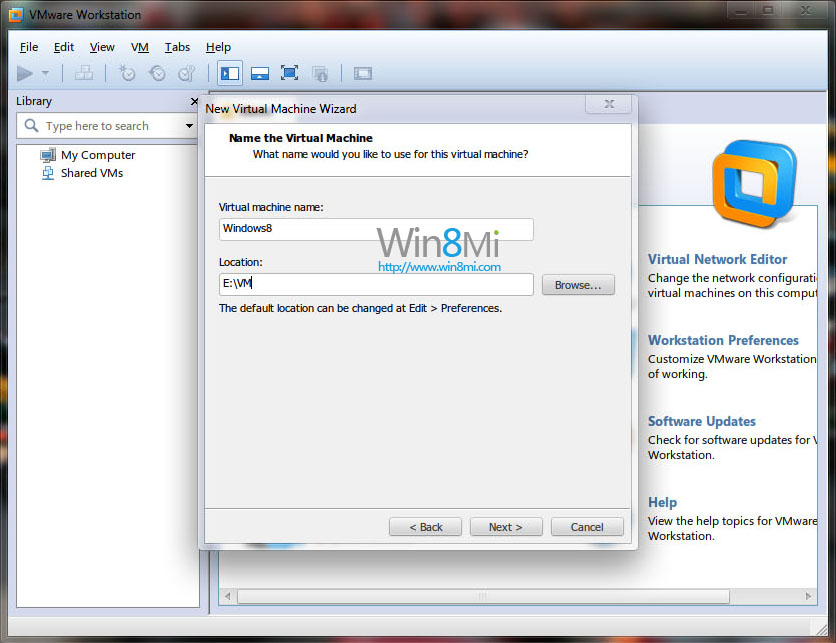
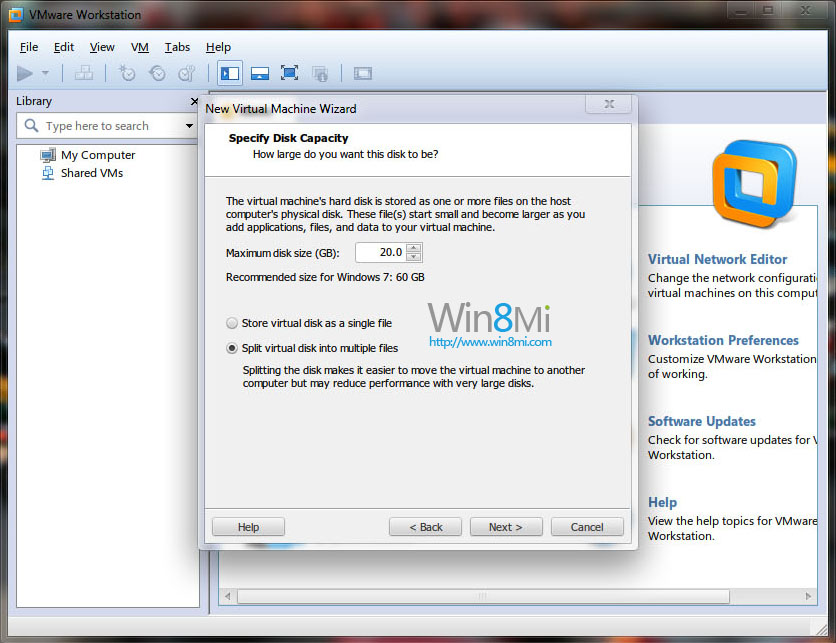
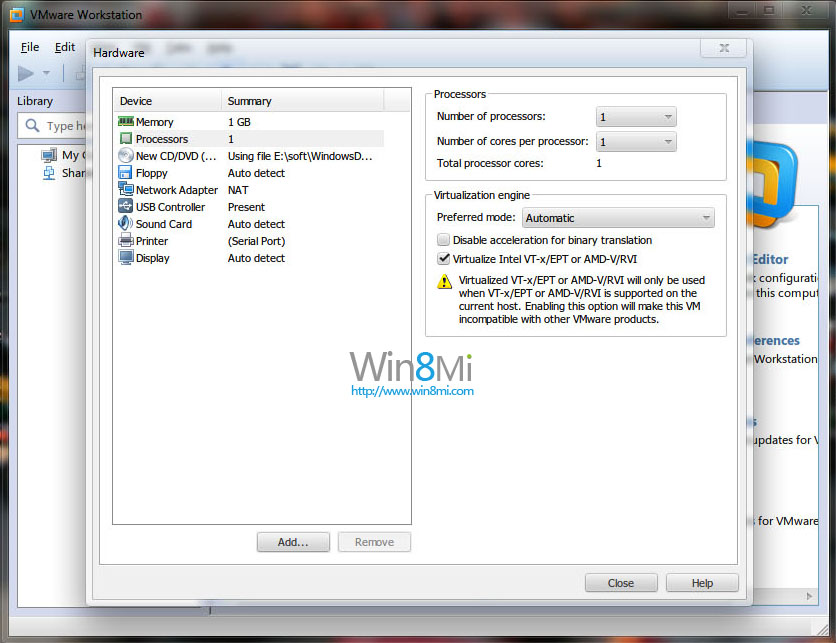
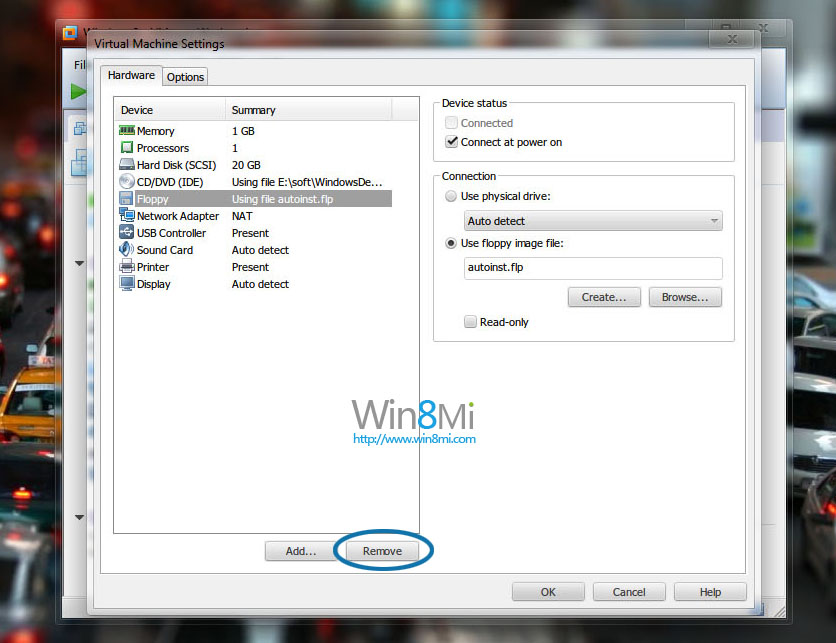
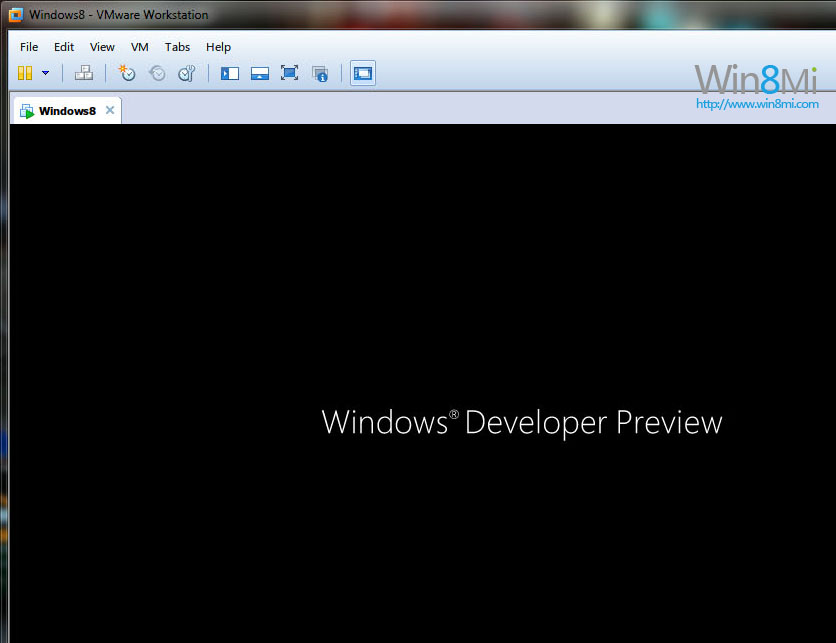
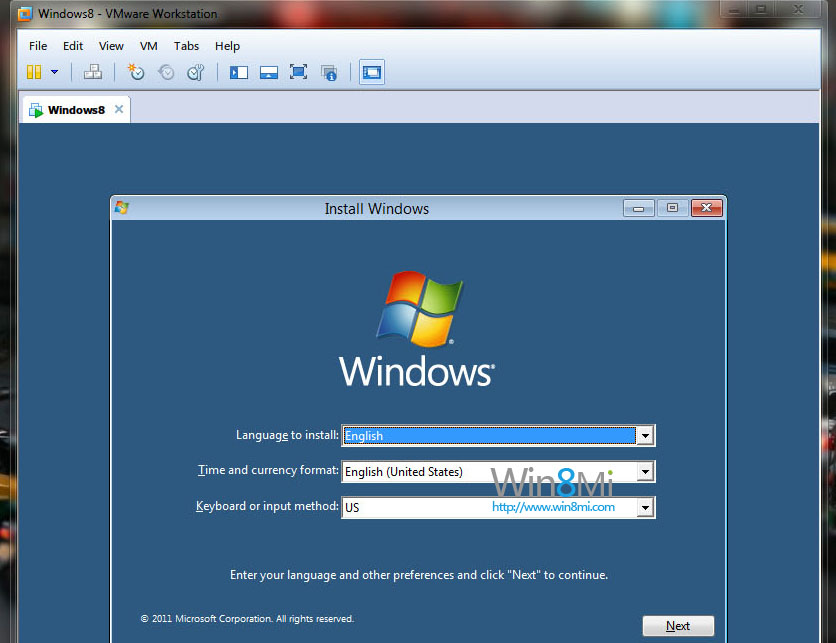
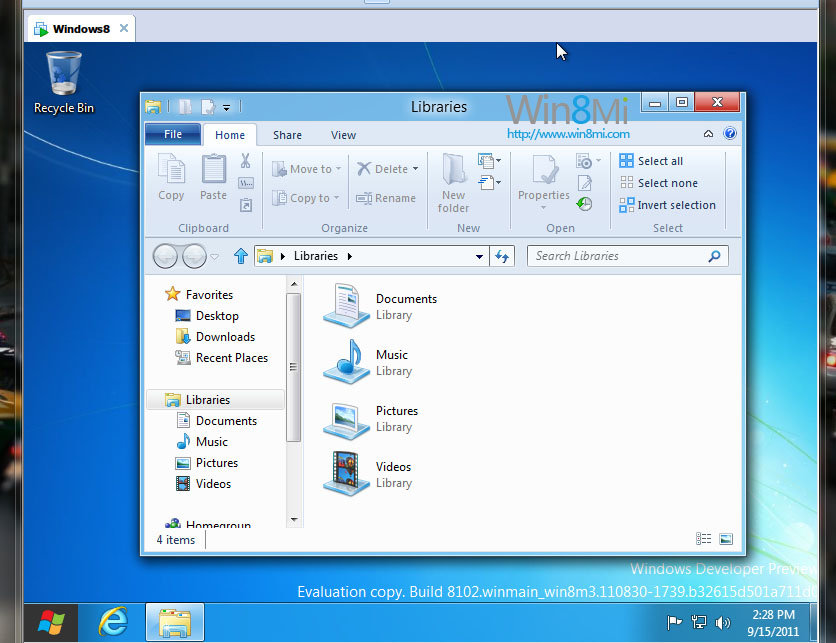
VMware Workstation 8 正式版完美支援 Windows 8 安裝。本教學適合新手,介面為英文版,請對照圖片操作。
windows cannot read the setting from the unattend answer file
Windows 8 vs Windows RT 完整差異對比:架構、價格、介面、軟體、企業、適用族群
Win8 桌面顯示「這台電腦」圖示:個人化→變更桌面圖示勾選「電腦」
Windows 8 啟用觸控鍵盤標準版面:找回 ESC、方向鍵、功能鍵完整指南
Windows 8 啟用密碼保護共用:保障網路資料安全
Win8/8.1 開啟資料夾假死/綠條緩慢?三大解決思路:關閉 Defender、重啟 DWM、優化資料夾類型
如何進入 Win8 控制台:五大圖文管道(電腦設定、所有應用程式、釘選開始畫面、Win+X 選單、搜尋)
Windows 8 啟用錯誤代碼完整對照表:從 0x80072efd 到 0xC004C014 逐項解析
Windows 8 13 大必看特色功能:快速啟動、重置刷新、Windows To Go、Store、Ribbon、Wi-Fi Direct、NFC、ISO 掛載、分屏、ARM、SkyDrive、Hyper-V、新任務管理員