前言
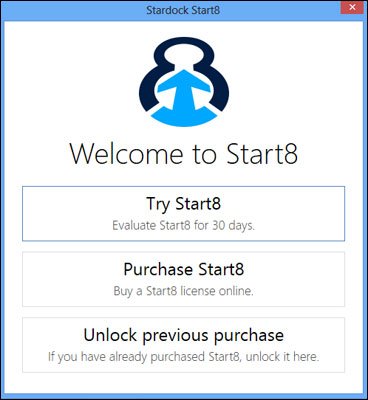
Windows 8 移除開始按鈕與 Aero 玻璃主題,引入 Charms 邊欄,讓許多老用戶感到不適。若不想降級 Win7,可透過付費軟體 Start8(30 天免費試用,後續 4.99 美元)將 Win8 介面與操作邏輯完美還原為 Win7 風格。
Start8 關鍵設定步驟(圖文)
- 安裝並啟動 Start8,進入設定視窗。
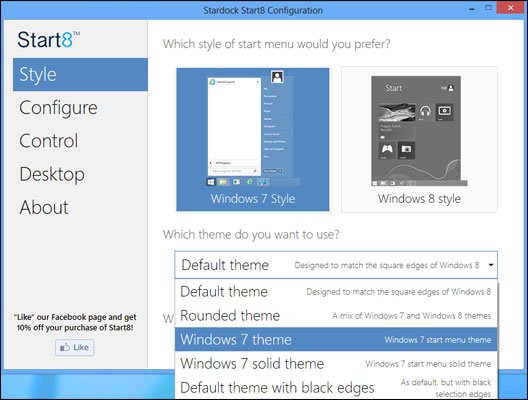
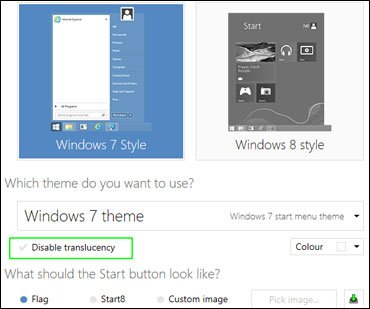
- 樣式 → 主題選「Windows 7 Theme」,取消「Disable Translucency」(啟用半透明)。
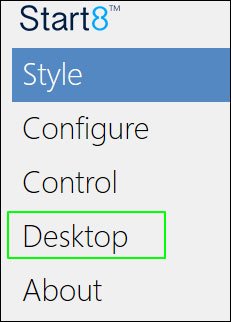
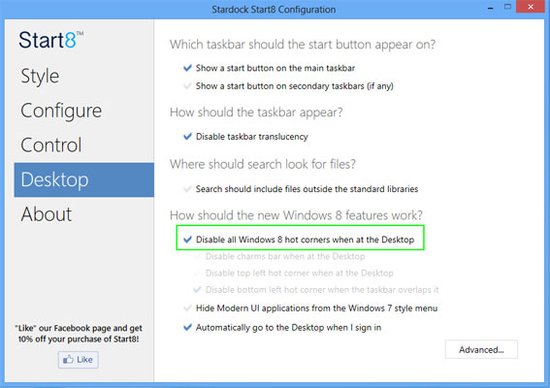
- 桌面 → 勾選「Disable all Windows 8 hot corners」(關閉熱角),並勾選「Automatically go to the Desktop when I sign in」(登入直進桌面)。
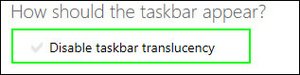
- 桌面 → 取消「Disable Taskbar Translucency」(工作列半透明)。
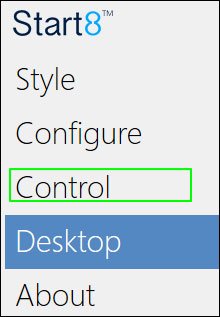
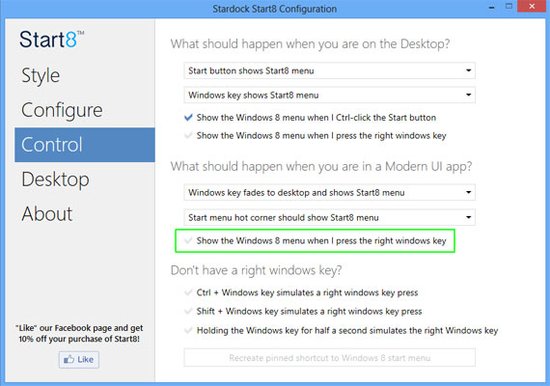
- 控制 → 取消「Show the Windows 8 menu when I press the right windows key」(防止誤觸右 Win 鍵跳回開始畫面)。
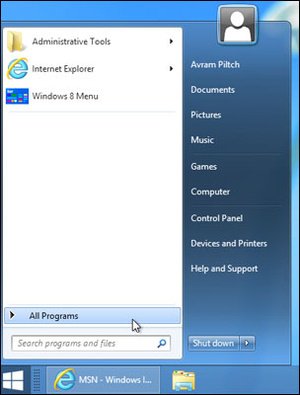
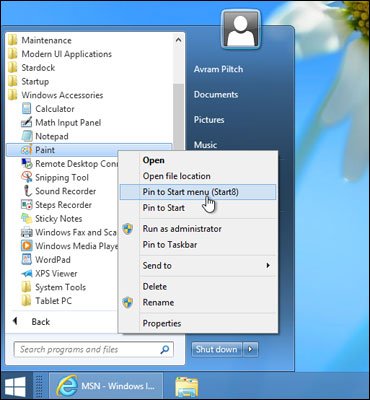
- 固定常用程式:點擊 Start8 開始按鈕 → 所有程式 → 右鍵選「Pin to Start menu (Start8)」。

效果總結
- 開始按鈕、開始選單、Aero 玻璃、工作列半透明全數回歸。
- 熱角、Charms 邊欄、Metro 開始畫面徹底停用。
- 登入直接進桌面,操作習慣與 Win7 無縫銜接。
替代方案提示
若不想付費,可嘗試免費的 Classic Shell,功能相近但介面細節較少。Start8 勝在細節還原度最高,適合極度依賴 Win7 工作流的用戶。