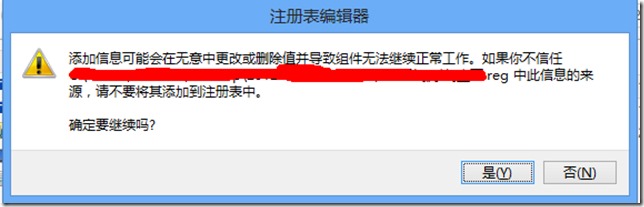
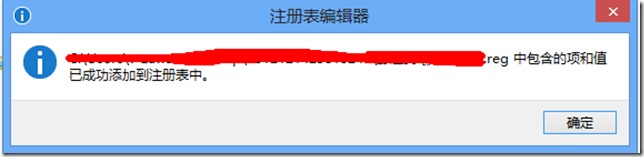
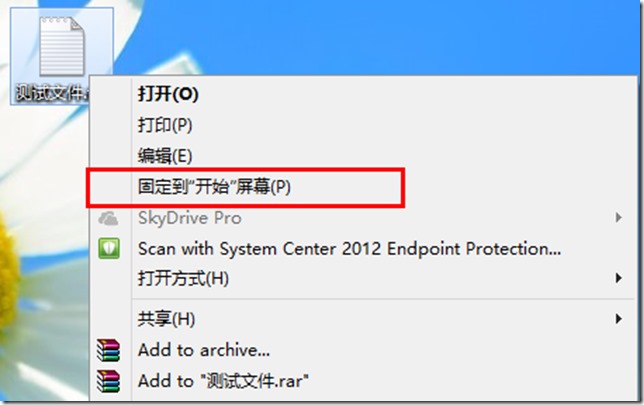
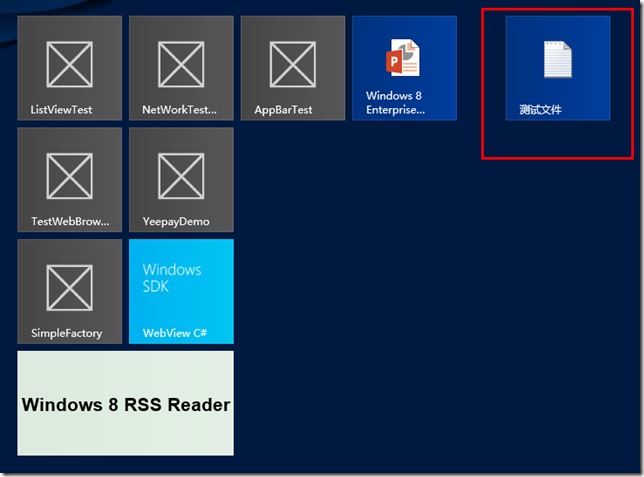
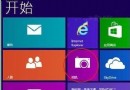
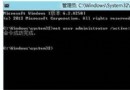
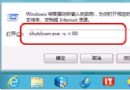
Windows 8 預設限制釘選檔案類型,透過註冊表可解除限制。三步驟:1) 建立 .reg 檔寫入 HKEY_CLASSES_ROOT\*\shell\pintostartscreen 機碼與 command 子機碼 (DelegateExecute GUID);2) 匯入確認;3) 右鍵任意檔案選「釘選到開始畫面」。移除功能同理匯入刪除機碼的 .reg 檔。本文提供完整註冊表內容與操作截圖。
.reg
HKEY_CLASSES_ROOT\*\shell\pintostartscreen
command
Windows 8.1 檔案總管頻繁崩潰/重啟?五大軟體層面排查方案
Windows 8 開機 USB 隨身碟製作工具 Win8USB 使用教學
Win8 Metro 應用程式無法開啟三大原因與解決方案
Windows 8 藍畫面重開機排除指南:常見原因、內建自癒、藍屏分析工具 BlueScreenView 完整教學
別再猶豫升級 Win8!驅動支援 2.4 億裝置,兼容性完勝 XP
Win8 關機超慢?修改群組原則「自動終止阻礙應用程式」加速關機
Win8 內建「步驟記錄器」教學:協助長輩遠端除錯的神器
Windows 8 安裝中文軟體出現亂碼?區域語言設定一招解決