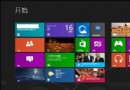
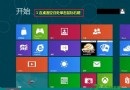
三版本關係與發布時間軸
- Windows 8:2012 年 10 月發布,無開始按鈕,強制進入開始畫面。
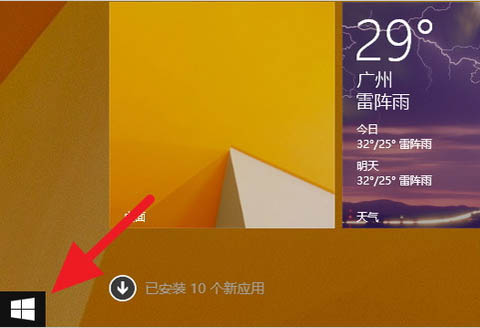
- Windows 8.1:2013 年 10 月發布,8 的大型更新,恢復開始按鈕(功能有限),新增啟動至桌面選項。
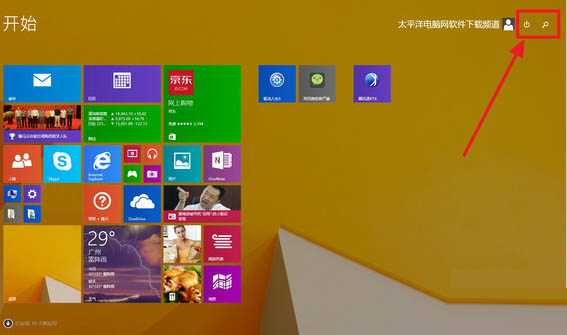
- Windows 8.1 Update:2014 年 4 月發布,8.1 的小型更新,開始選單右上角新增「關機」、「搜尋」按鈕,滑鼠鍵盤操作優化。
一眼辨識法
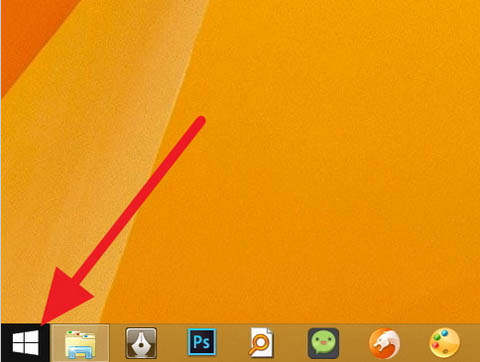
- 傳統桌面左下角無開始按鈕 → Windows 8。
- 有開始按鈕 → 為 8.1 或 8.1 Update。
進一步看:開始選單右上角有「關機」、「搜尋」圖示 → Windows 8.1 Update。
無上述圖示 → Windows 8.1。
右鍵開始按鈕/左下角快速判別
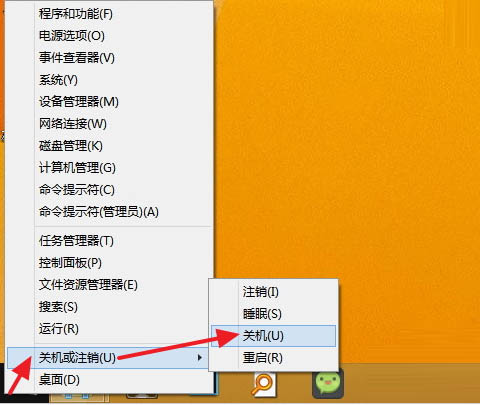
- 右鍵開始按鈕(或左下角熱區)選單中無「關機」、「登出」選項 → Windows 8。
- 有上述選項 → 8.1 或 8.1 Update,再依開始選單右上角按鈕區分。
版本號確認(最準確)
Win+R 輸入 winver:
6.2.9200 → Windows 8
6.3.9600 → Windows 8.1 / 8.1 Update(均為 6.3 核心,需配合上述 UI 區分)