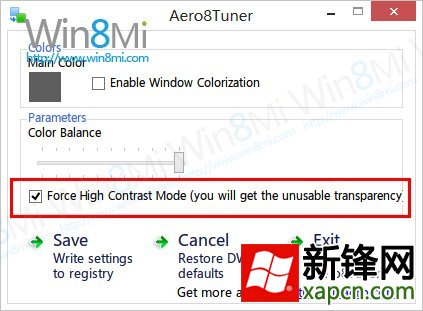
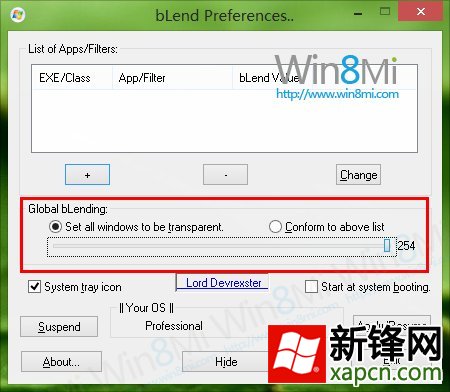
追求免常駐、工作列獨立著色選 Aero8Tuner;追求極致完美透明效果、接受極低常駐資源換取最佳視覺選 bLend。兩者皆為目前 Win 8 啟用透明效果最有效方案。
Windows 8 對決 Win7 實測:啟動速度不足 Win7 三分之一,綜合耗時縮短 33 秒
Win8/8.1 快速更換 Office 2013 產品金鑰:GUI 與命令列雙法
Windows 8 NTFS 健康模式:離線檢查變線上修復,磁碟故障處理全面升級
VMware Workstation 虛擬機安裝 Win8 RP x64 圖文教學:自定義模式啟用 UEFI/虛擬化相容性
讓 SkyDrive 檔案在 Win 8 離線可用 開啟「離線存取所有檔案」
Windows 8.1 Update 更新失敗錯誤代碼 80070020/80073712/0x800f081f 解決方案:兩行 DISM 指令快速修復